
Setup (always)
| Setting | Value |
|---|---|
| Service | Magnific API via ~/.agents/skills/brand-pdf/scripts/magnific.mjs (key: source ~/.config/capability-bench/load.zsh) |
| Model | GPT-Image 2.5, gpt-image-2-5 (with --ref the script uses gpt-image-2-5-edit) |
| Variant | sunburst (the full 2.5 model; never flare, never a mini model, never the MCP mode gpt-2-mini) |
| Resolution | 2K (script default) |
| Quality ("reasoning") | medium as default (script default). high only for a close-up face, small text or a UI; --production (4K medium) only for print covers and full-page images; --draft (1K low) only to compare many compositions |
| Aspect | always explicit: 2:1 banners and illustrations (crop to 8:3), 1:1 tiles, 4:3 / 3:4 content, 9:16 stories, 16:9 slides |
| References | only originals: the official files in this repository, real photos from OTTO / Otto Group sources. Never a generated image as reference |
| Calls | one after another, never in parallel; each result keeps its .json sidecar |
Pick a style
Each style is a brief file with a ```brief block that the script prepends to the motif. The brief fixes ground, palette (exact hex from tokens), light, composition and what must never appear.
| Style | Use for | Brief | References to pass |
|---|---|---|---|
| OTTO 3D illustration | empty states, onboarding, error and success, chapter openers | otto-3d-illustration.md | 2 to 4 files from illustration-overview |
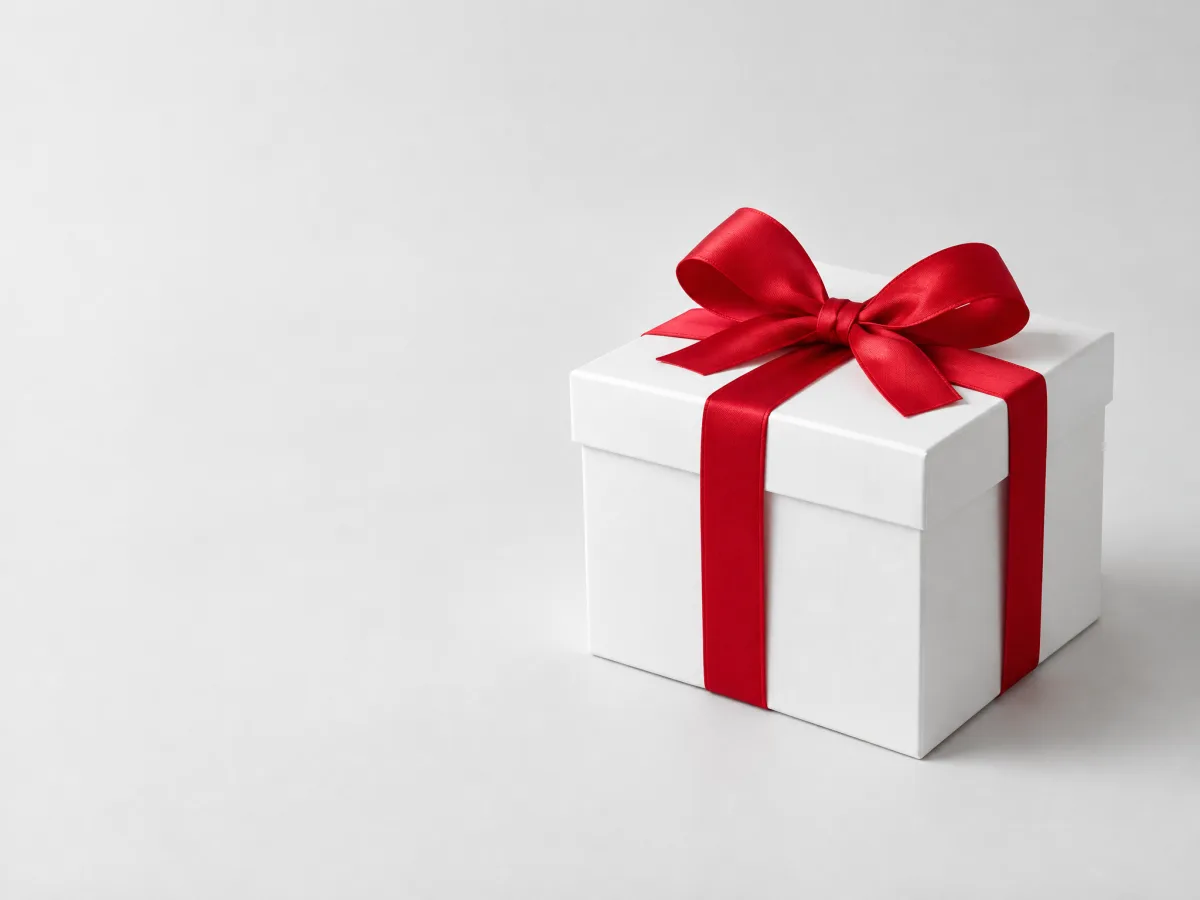
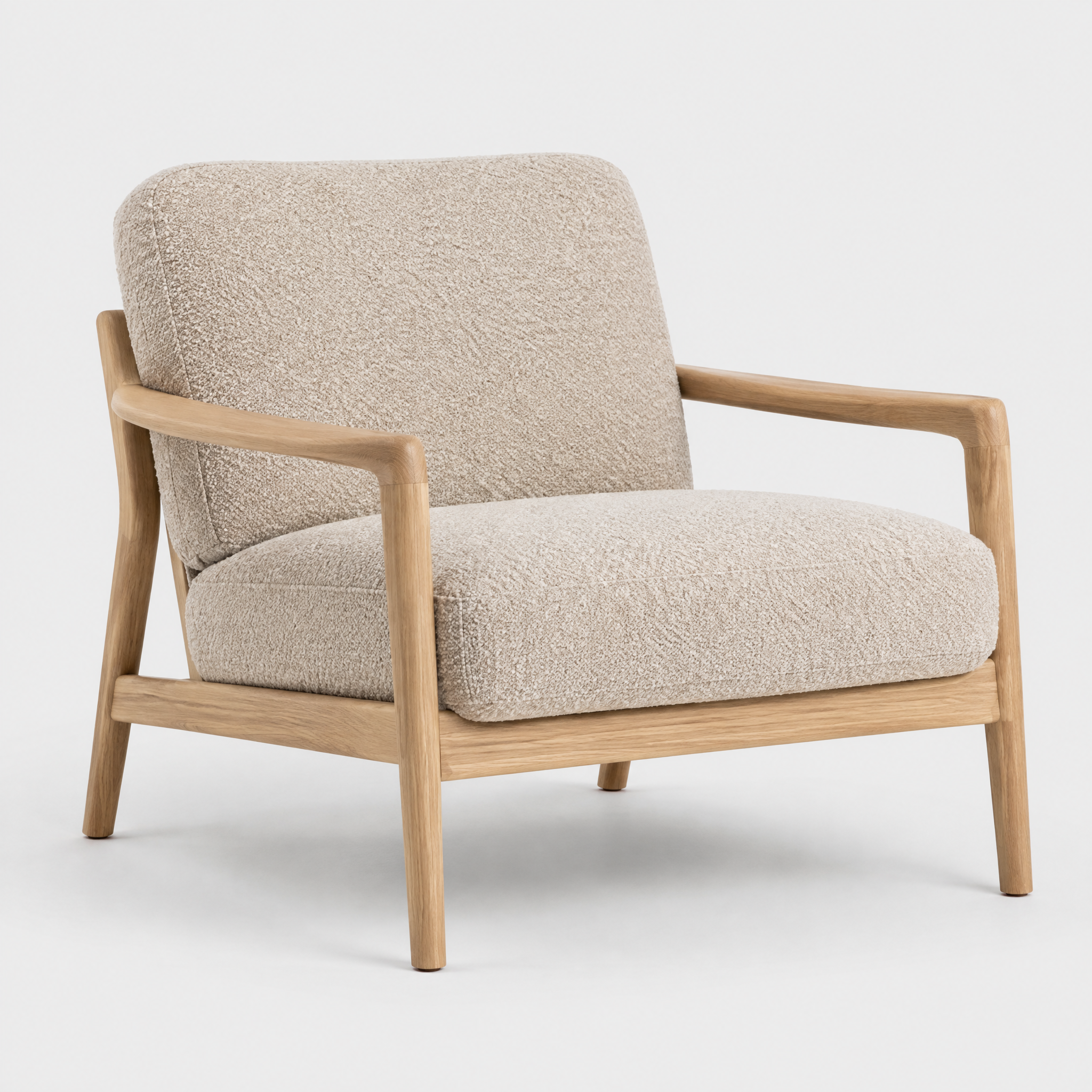
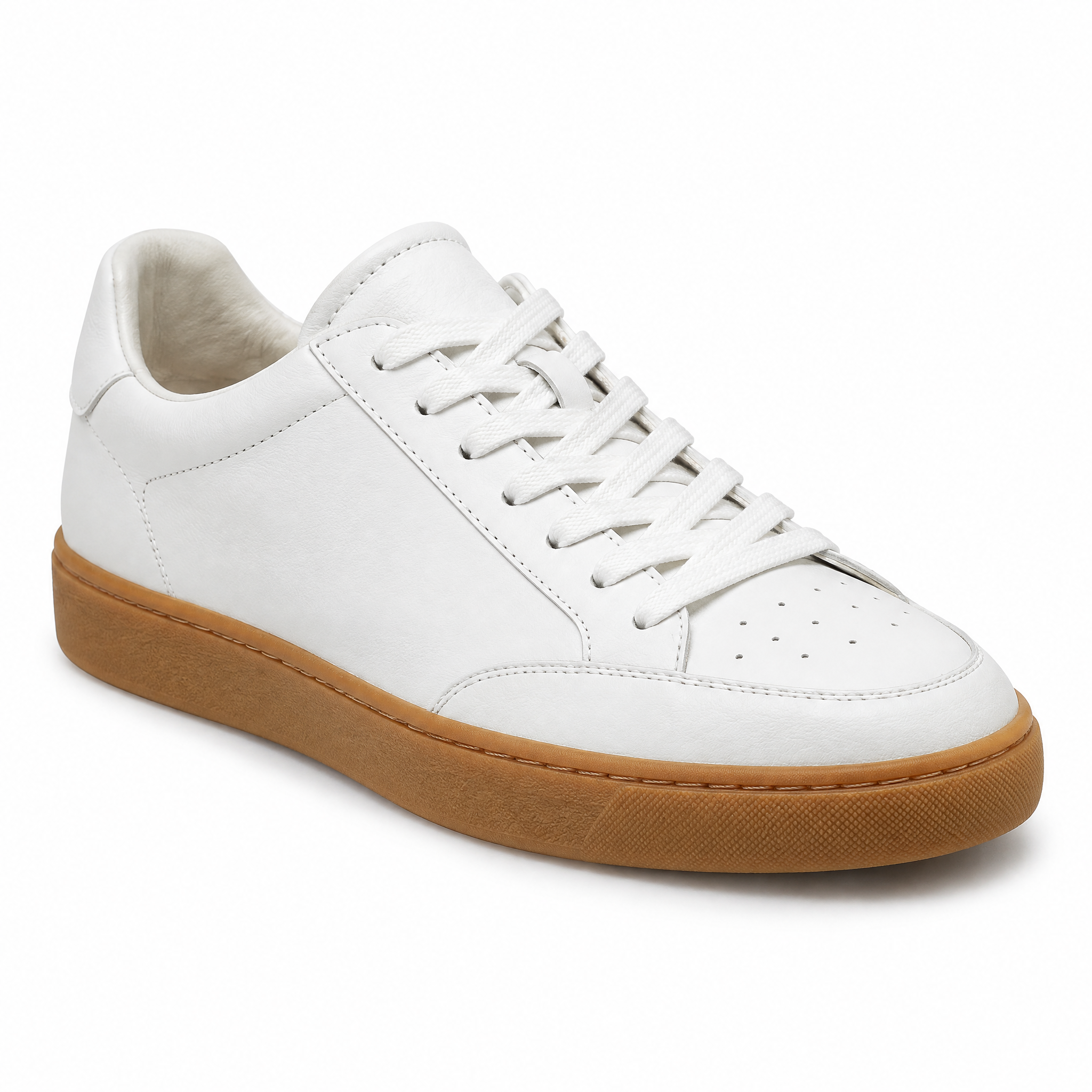
| OTTO product still | product tiles, mock-ups without a real product photo | otto-product-still.md | the real product photo, if one exists |
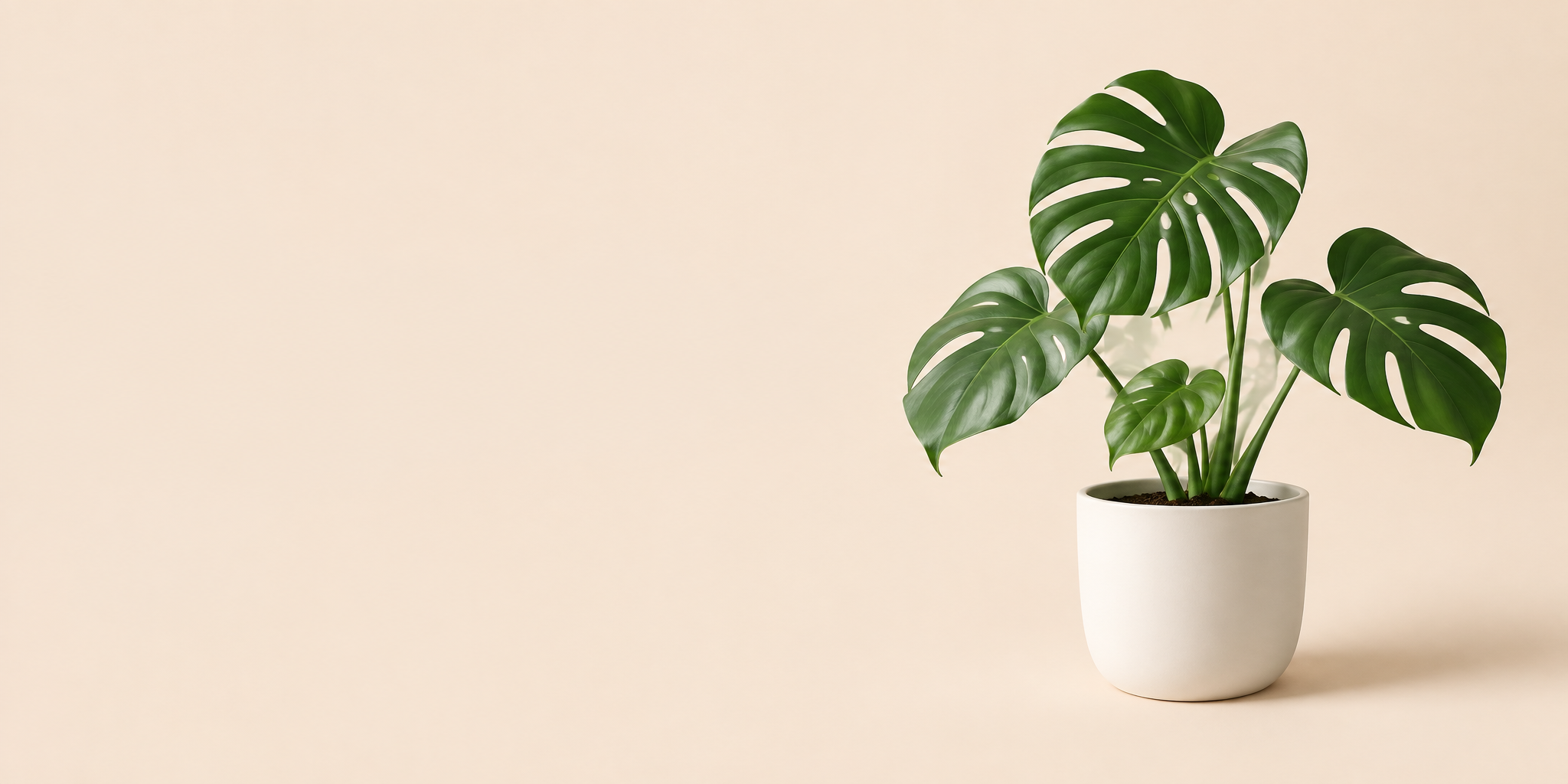
| OTTO colour field | social posts, OG images, covers and title slides (type and logo added in layout) | otto-colour-field.md | none, or a real object photo |
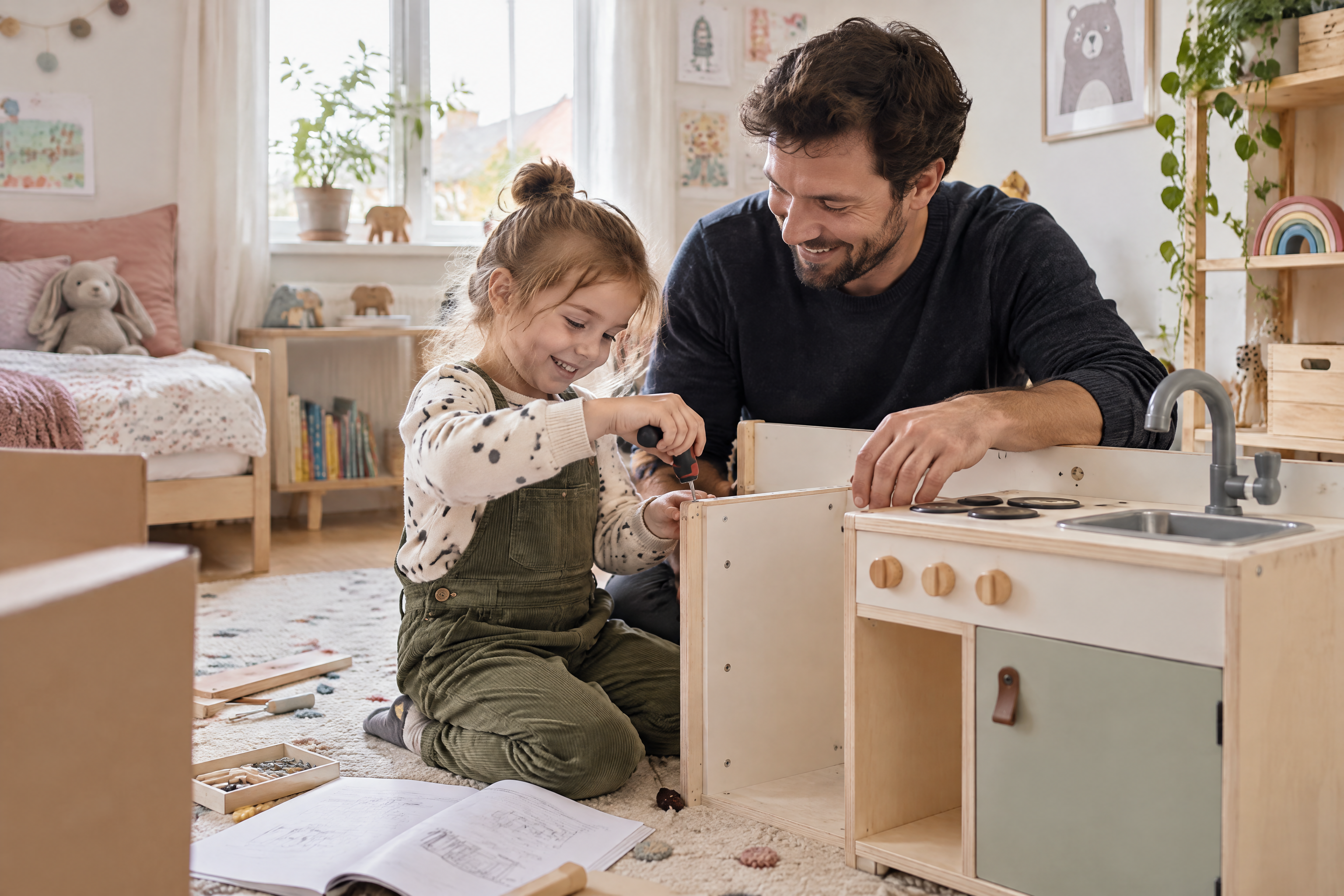
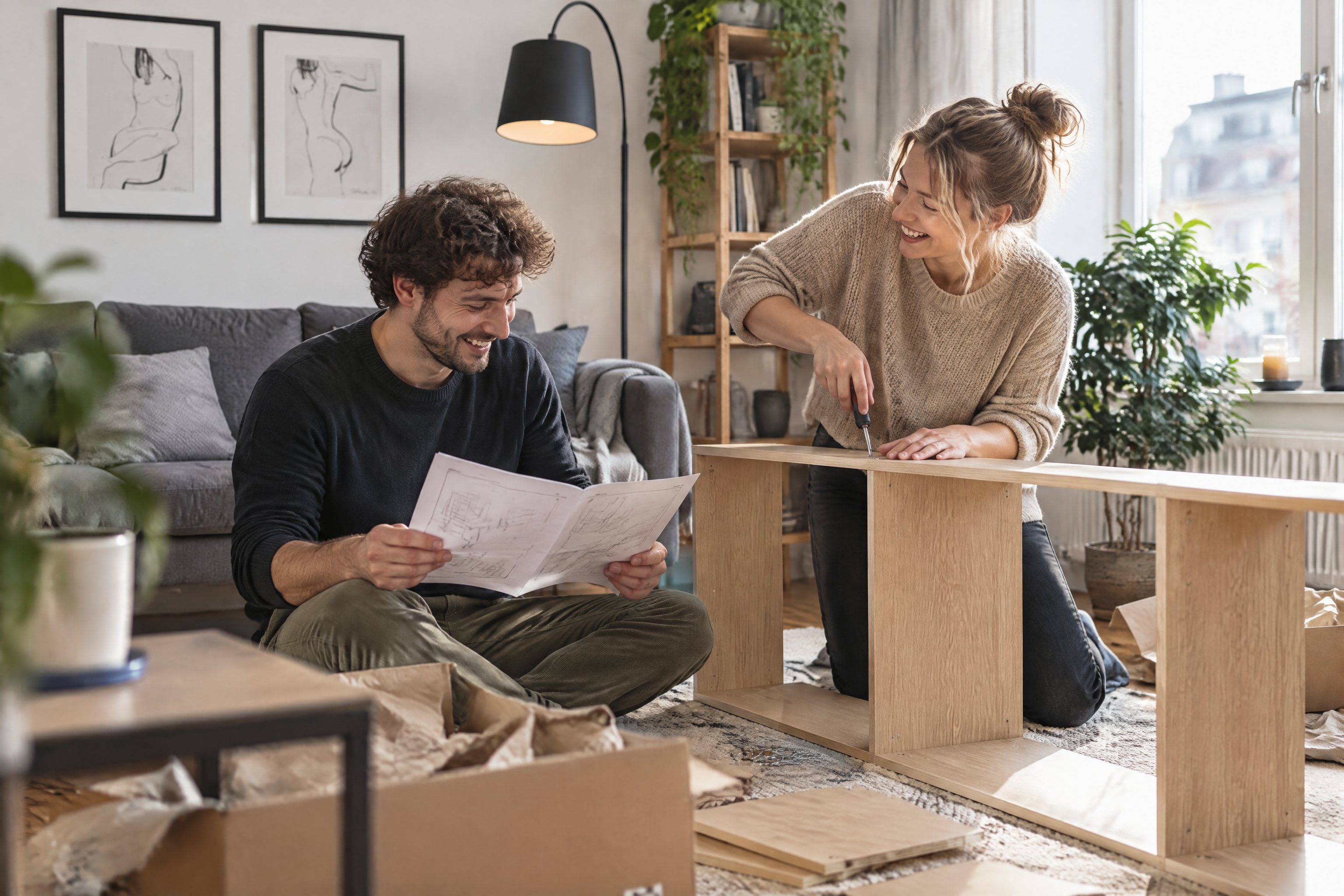
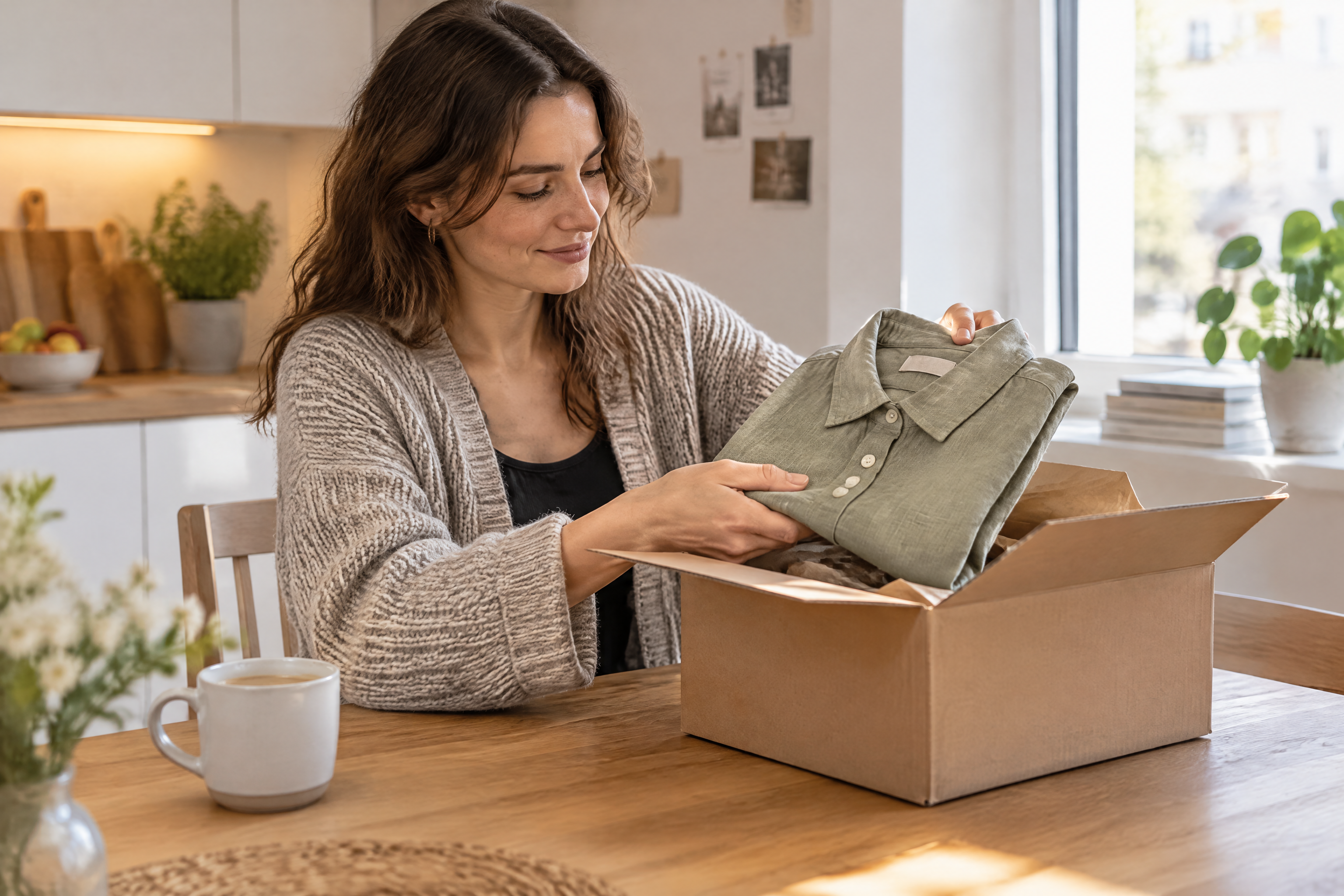
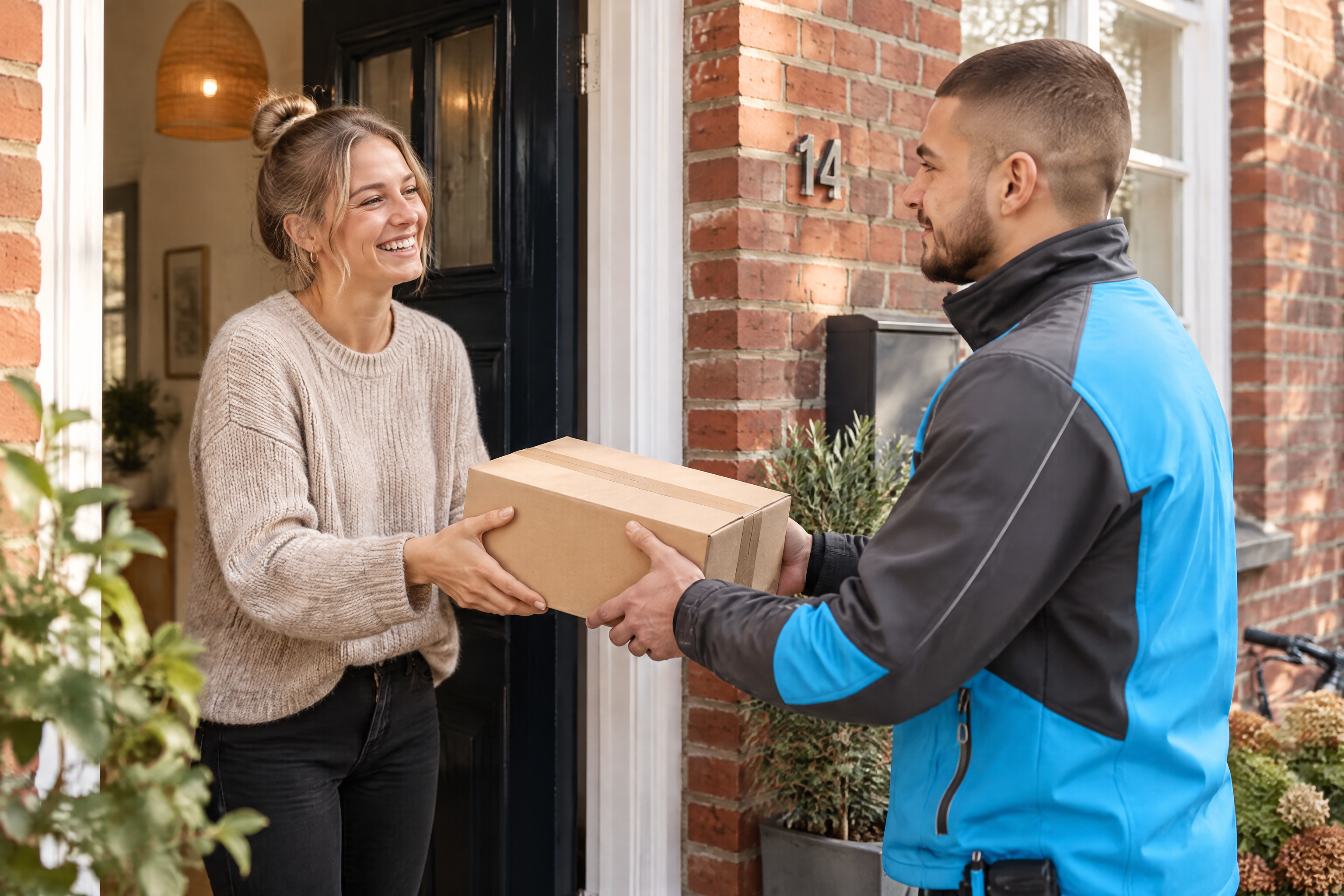
| OTTO lifestyle photo | campaign, category and editorial images | otto-lifestyle-photo.md | real OTTO images from references/images/otto |
| OTTO red material | section heroes, chapter openers, covers in a calm professional register | otto-red-material.md | none; OTTO red #eb001f named in the brief |
| Otto Group corporate photo | annual-report, corporate, employer and sustainability material | otto-group-corporate-photo.md | real images from references/images/otto-group |
| Otto Group layered photo | Otto Group presentations and the corporate website: professional photos with a blurred foreground layer | otto-group-layered-photo.md | the presentation master media and website 2026 |
OTTO (the retailer, otto.de) and Otto Group (the corporate group) look and speak differently; see OTTO vs Otto Group and tone of voice. Never mix the two in one piece.
Rules that apply to every style
- No text, letters, numbers or logos in generated images. Headlines are set in OTTO Sans in HTML or the layout; logos are placed from the original SVG (storybook/components/logo/svg).
- No functional colours (error red, success green, warning orange, hint purple) as decoration.
- The model only approximates hex values. Where a ground must be exact (colour
fields, illustration grounds), recolour the connected background from the
image edges afterwards; keep the original in
original/. - Illustrations: one subject, no text, generic and metaphorical, 8:3 master croppable to 4:3 (guidelines). Prefer an existing official motif; generated ones are drafts in the OTTO style, not OTTO artwork.
- Check anatomy on every picture with people or characters: crop each hand at 100 % and count five fingers, the thumb on the correct side, fingers growing from the palm, a natural wrist; also eyes, ears, teeth and glasses. One error rejects the picture. Prefer poses that keep hands simple (crossed arms, hands in pockets, an open wave) over pointing or gripping; the model gets pointing hands wrong.
- Look at every result at 100 % before using it; rewrite the prompt for a weak motif instead of feeding the result back in.
- Deliver web images as JPEG (quality 82) or WebP at twice the display size; keep the PNG and its sidecar as the master.
Command pattern
source ~/.config/capability-bench/load.zsh
node ~/.agents/skills/brand-pdf/scripts/magnific.mjs generate \
  --brief imagery/styles/<style>.md \
  --prompt "<motif, one or two sentences, colours as hex>" \
  [--ref <original image> ...] \
  --aspect 2:1 \
  --out <target>.png
Resolution 2K, quality medium and variant sunburst are the script defaults, so no flags are needed for them. Write the motif like a shot list: subject, pose or view, the one or two colours that matter as hex, what is left empty.
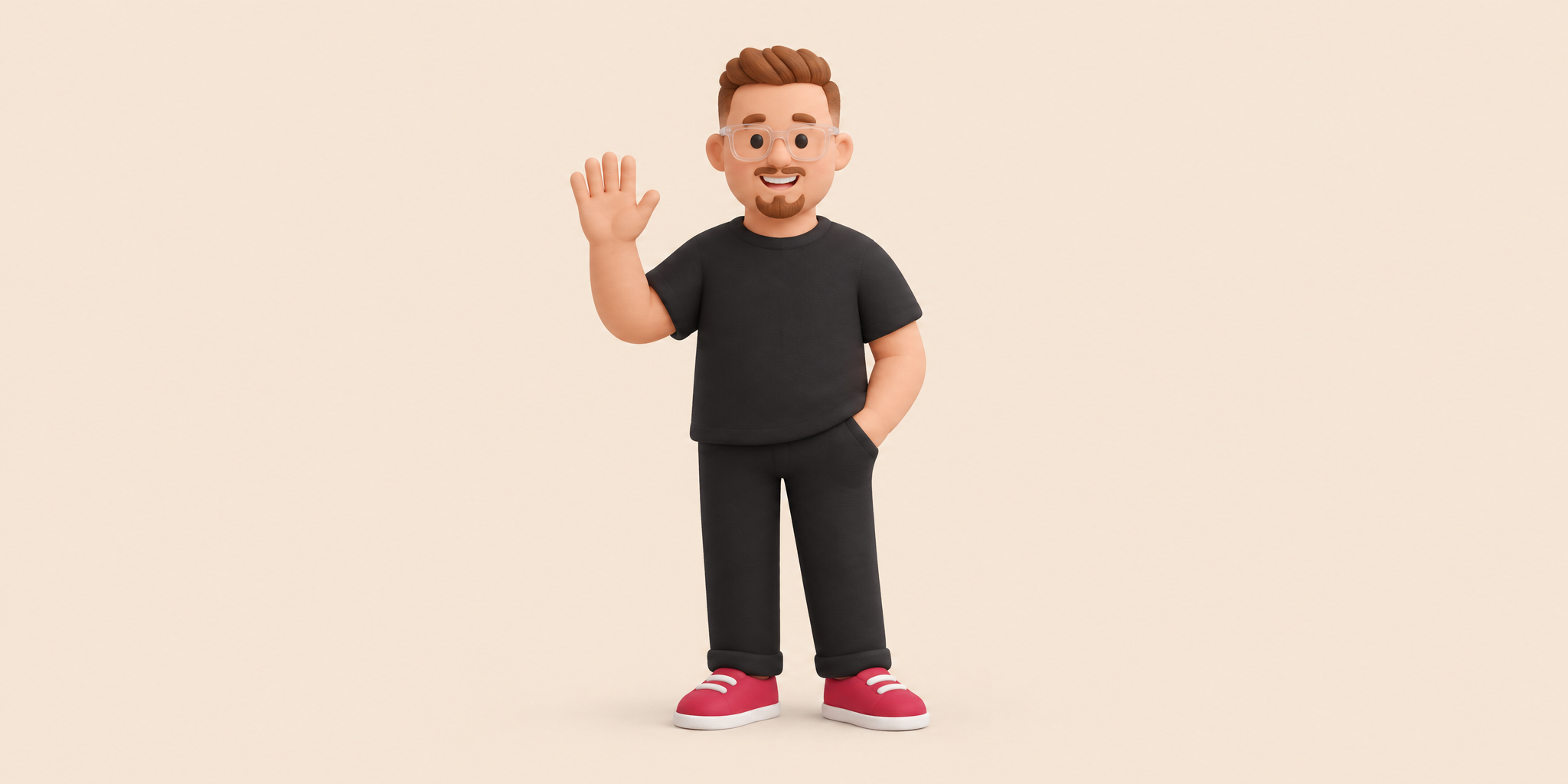
Recipe: a real person as an OTTO 3D figure
Tested 28.09.2026 with Leander Endres (all results and measurements).
- Take a professional, well-lit portrait and make a tight face crop.
- Brief
otto-3d-illustration. A real person gets a natural skin tone taken from the photo and fixed as hex (Leander: base #eeac93, light #f6c3ae, shadow #d4907a); only invented characters use the OTTO character skin #bc829c. Motif: list the person's recognisable features (hair, glasses, beard, face shape) and clothing in OTTO palette hex; say that the photos give identity only, never light or realism, and name the skin hex. - References in this order: first two or three official illustrations
(
026-illustration-service,017-illustration-poster,003-illustration-error), then the portrait and the face crop. - Measure lit skin against the base hex and shaded skin against the shadow
hex with
imagery/check_colour.py; below delta E 8 passes, otherwise regenerate. - Check both hands at 100 % (see the anatomy rule above); a twisted or extra finger rejects the image.
- For a themed, playful figure add one signature feature and the theme as props, and frame closer (chest up, face about a third of the height), see portrait-to-3d-figure-ai-ninja.txt.
- Only with the person's consent; the figure is a new character, not Yuki or Mika.
Verified samples (photo styles)
| Style | Sample | Note |
|---|---|---|
| OTTO lifestyle photo | otto-lifestyle-doorstep.png | matches the light and casual look; a house number „14“ appeared although text is excluded, so check every image for stray letters and numbers |
| Otto Group corporate photo | otto-group-logistics-lead.png | environmental portrait, warm daylight, navy business casual as briefed |
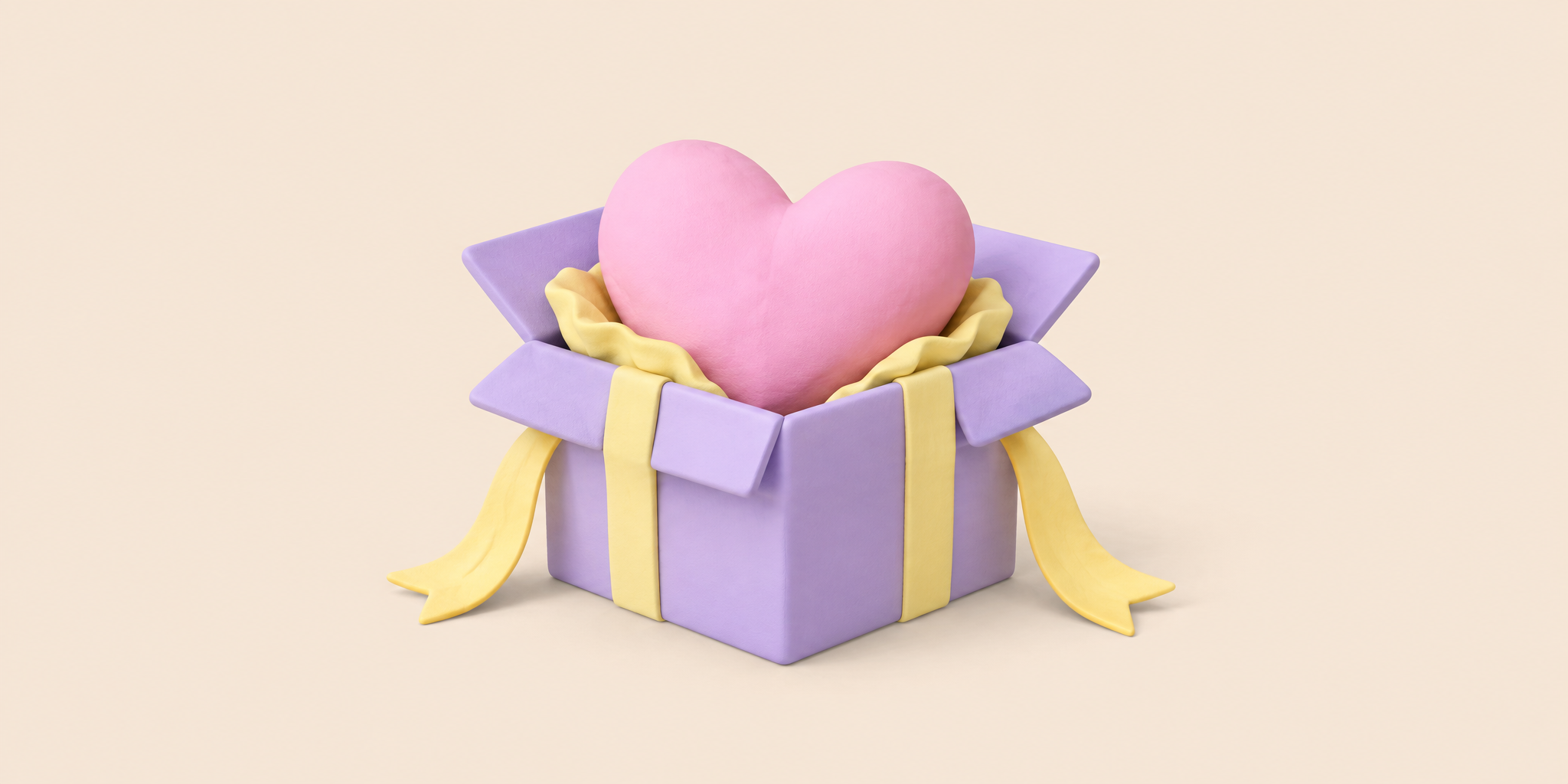
Verified sample
samples/otto-3d-illustration/illustration-wishlist.png
(28.09.2026, 2K medium sunburst, brief otto-3d-illustration, three official
illustrations as references, prompt in
prompts/illustration-wishlist.txt):
clay material, palette and ground match the official set; measured ground
#f5e5d6 against the target #f5e6d7.
Samples by style
OTTO red material
 brand
brand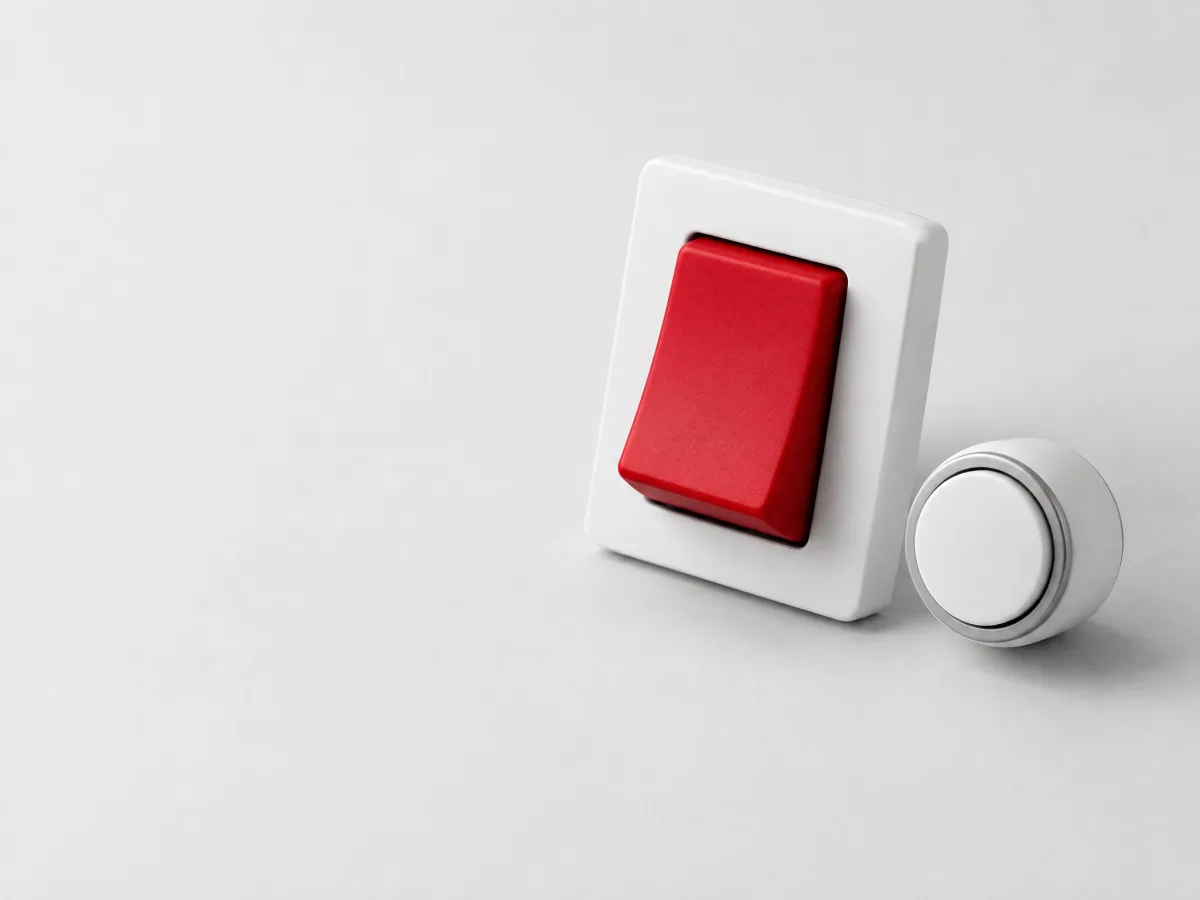 components
 foundations
 getting started
 home red
 home
home imagery
 references
 rules red wide
 rules red
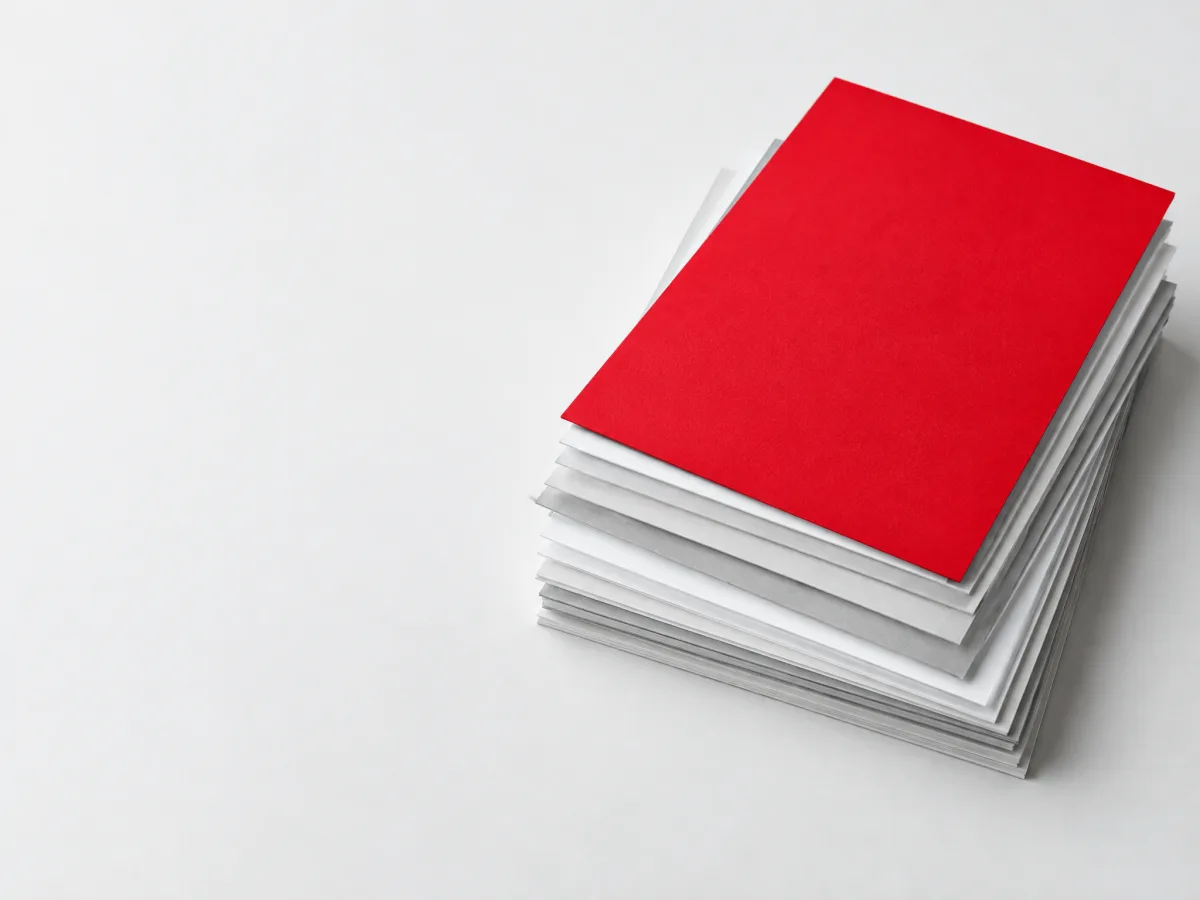 rules
rules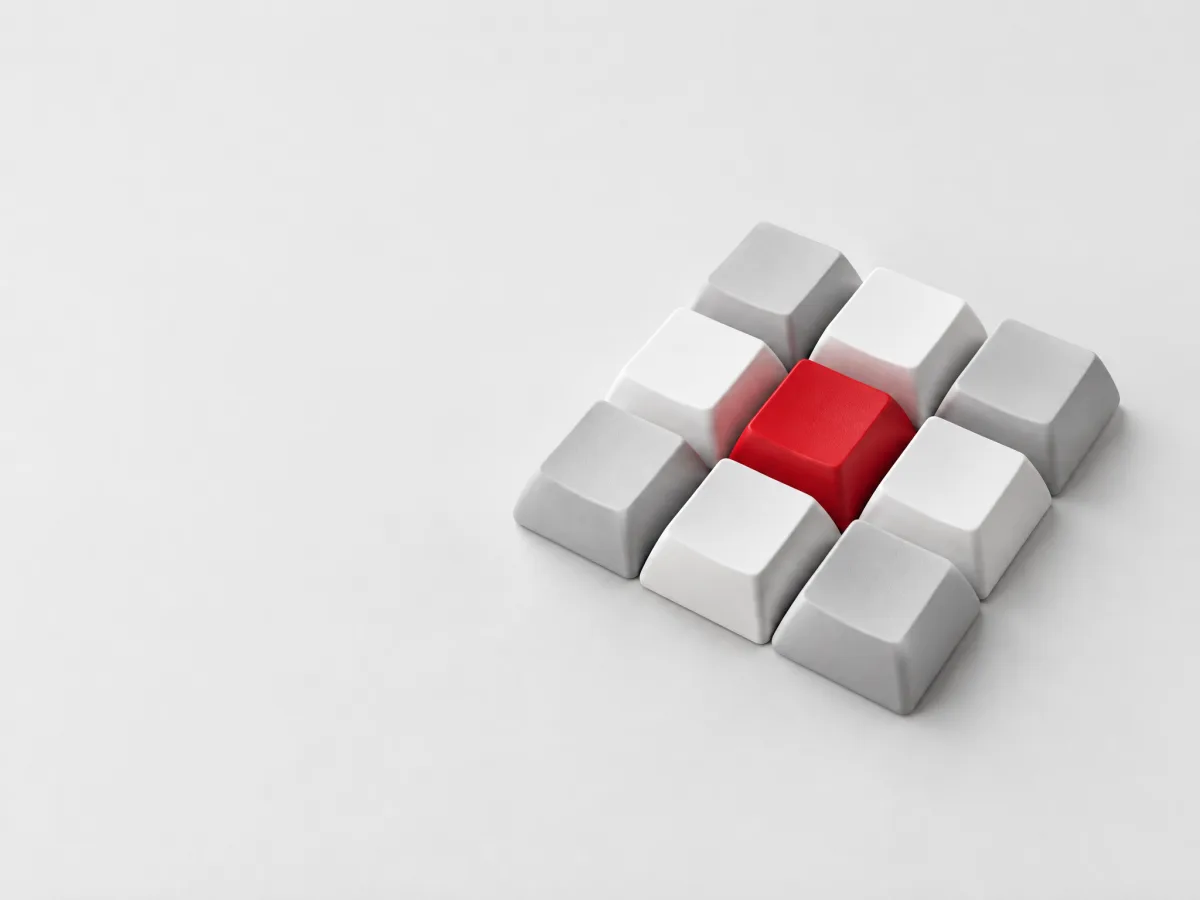 storybook
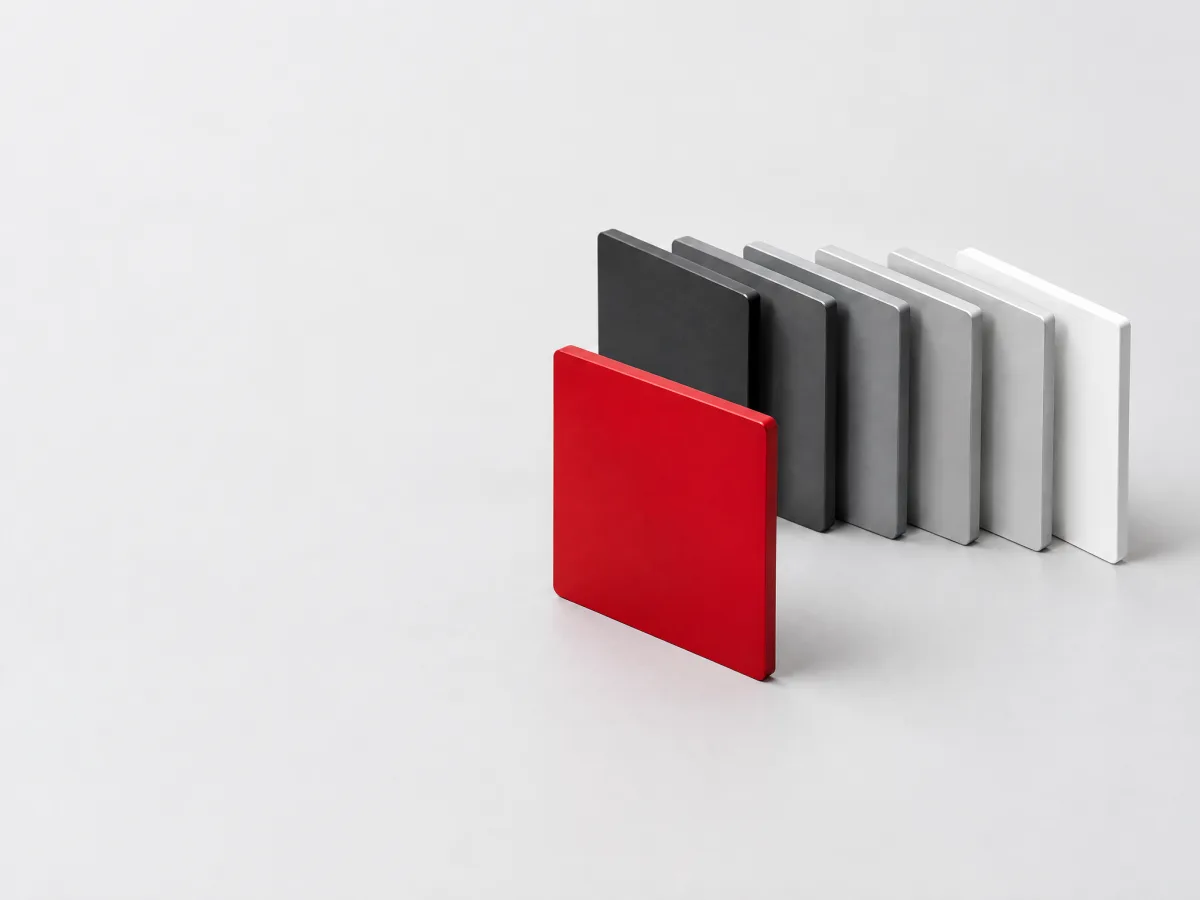 tokens
Otto Group layered photo
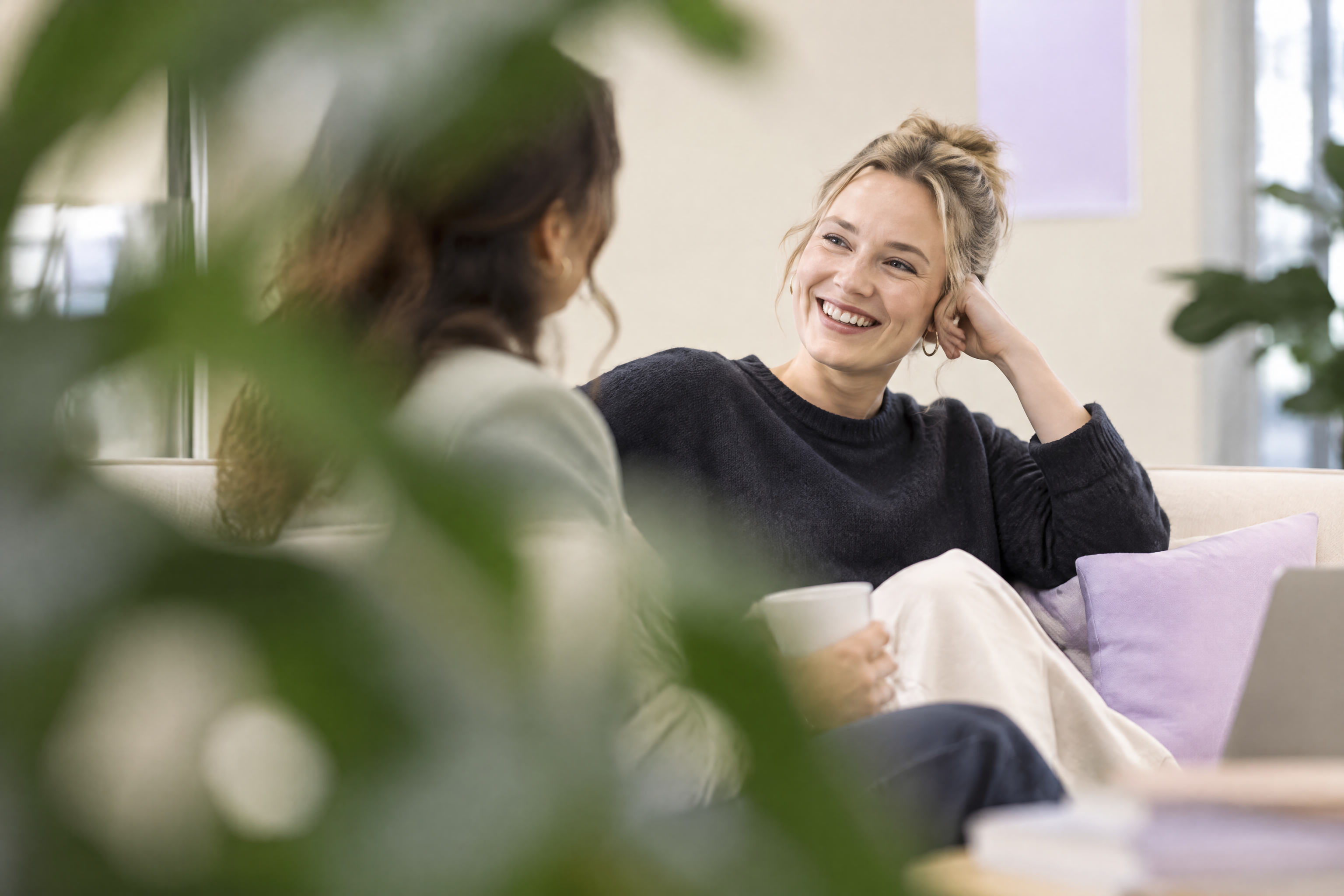
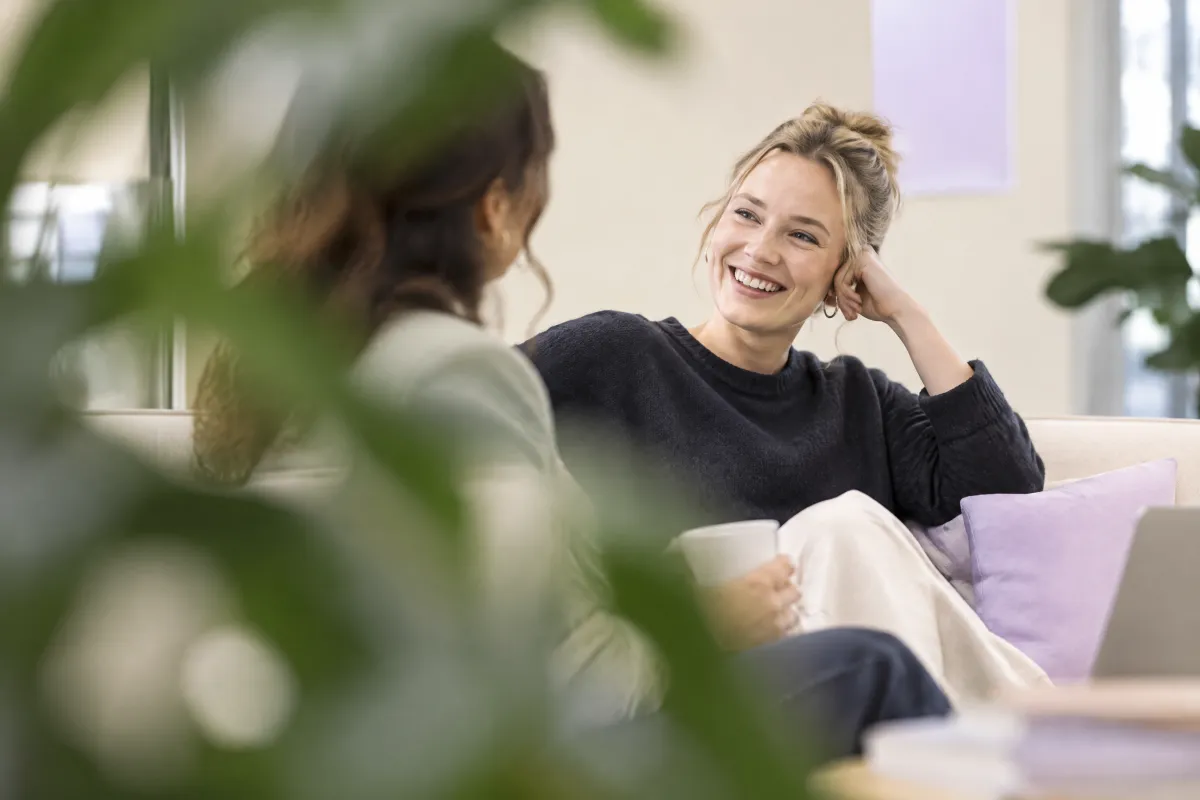 conversation through plants
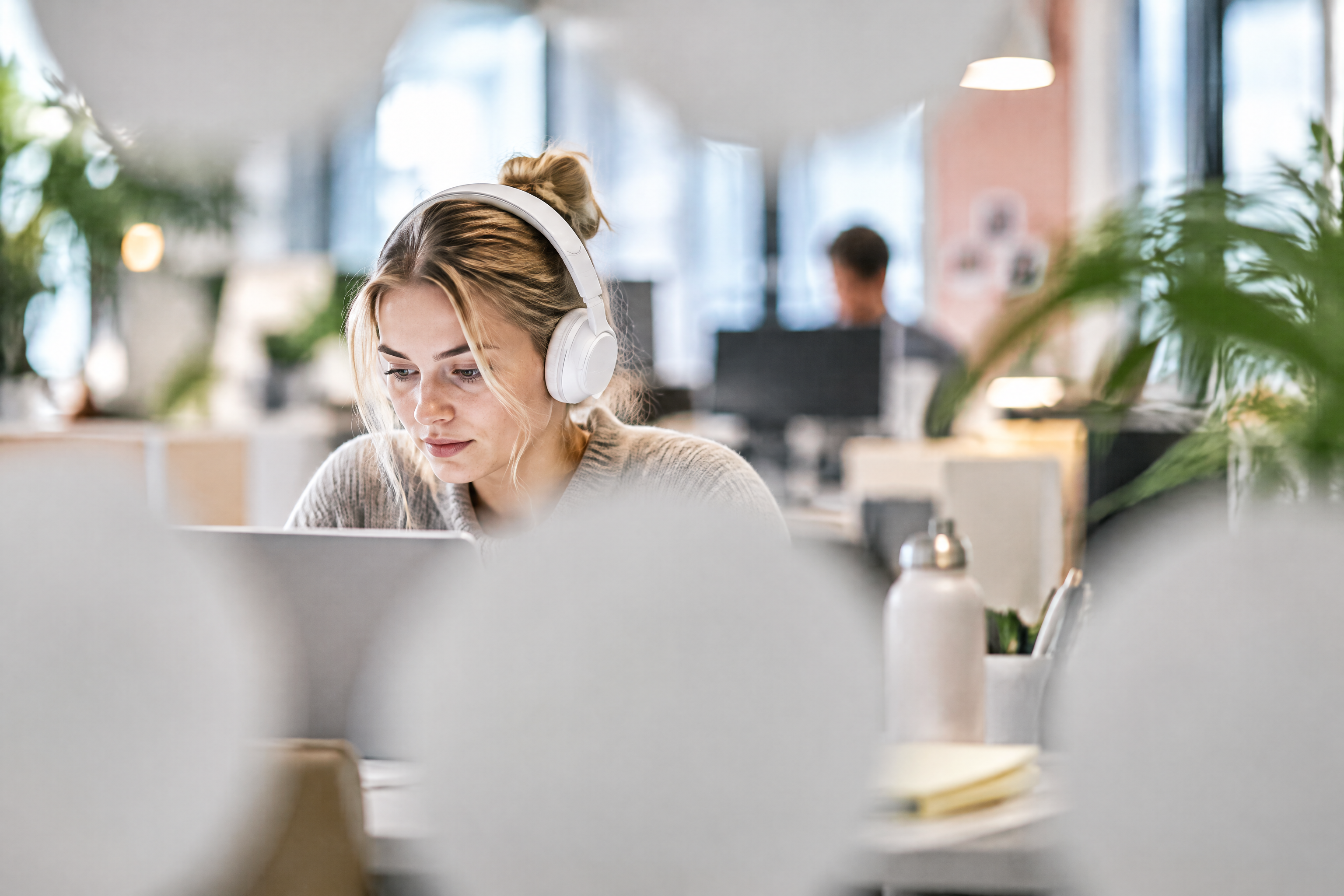
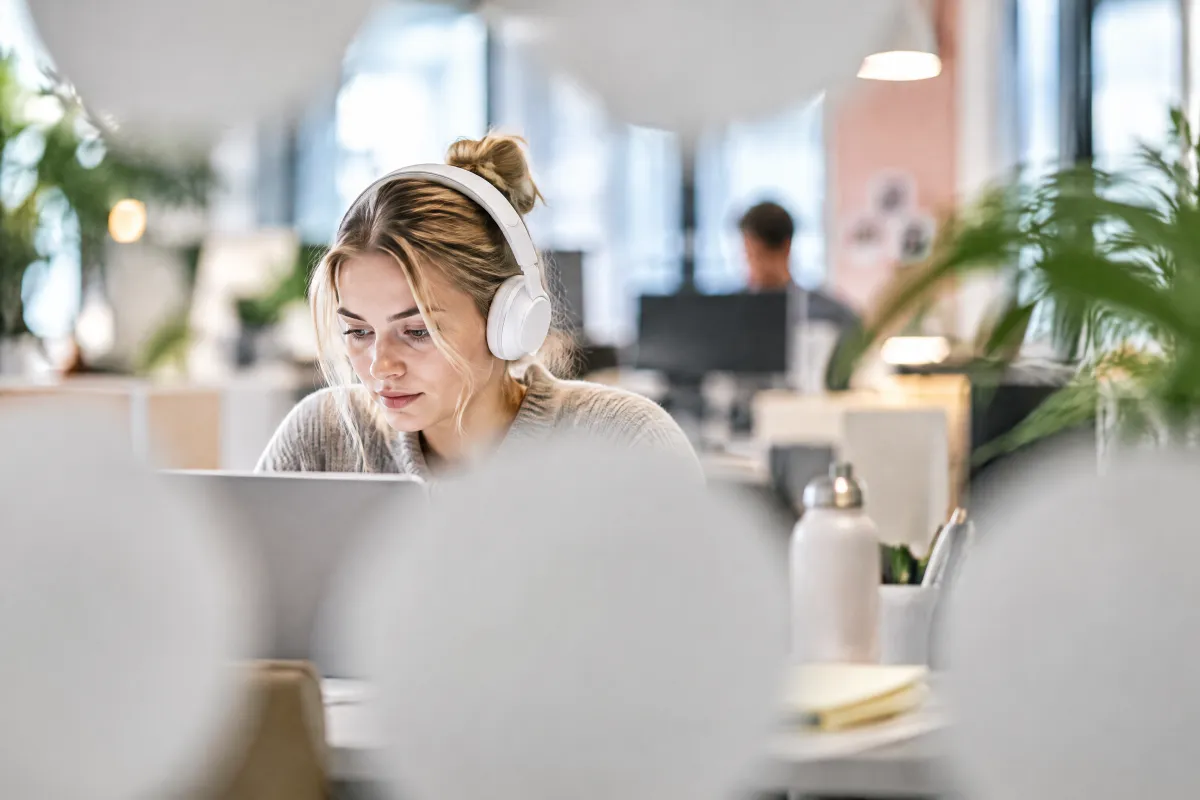 headphones through shapes
 over shoulder laptop
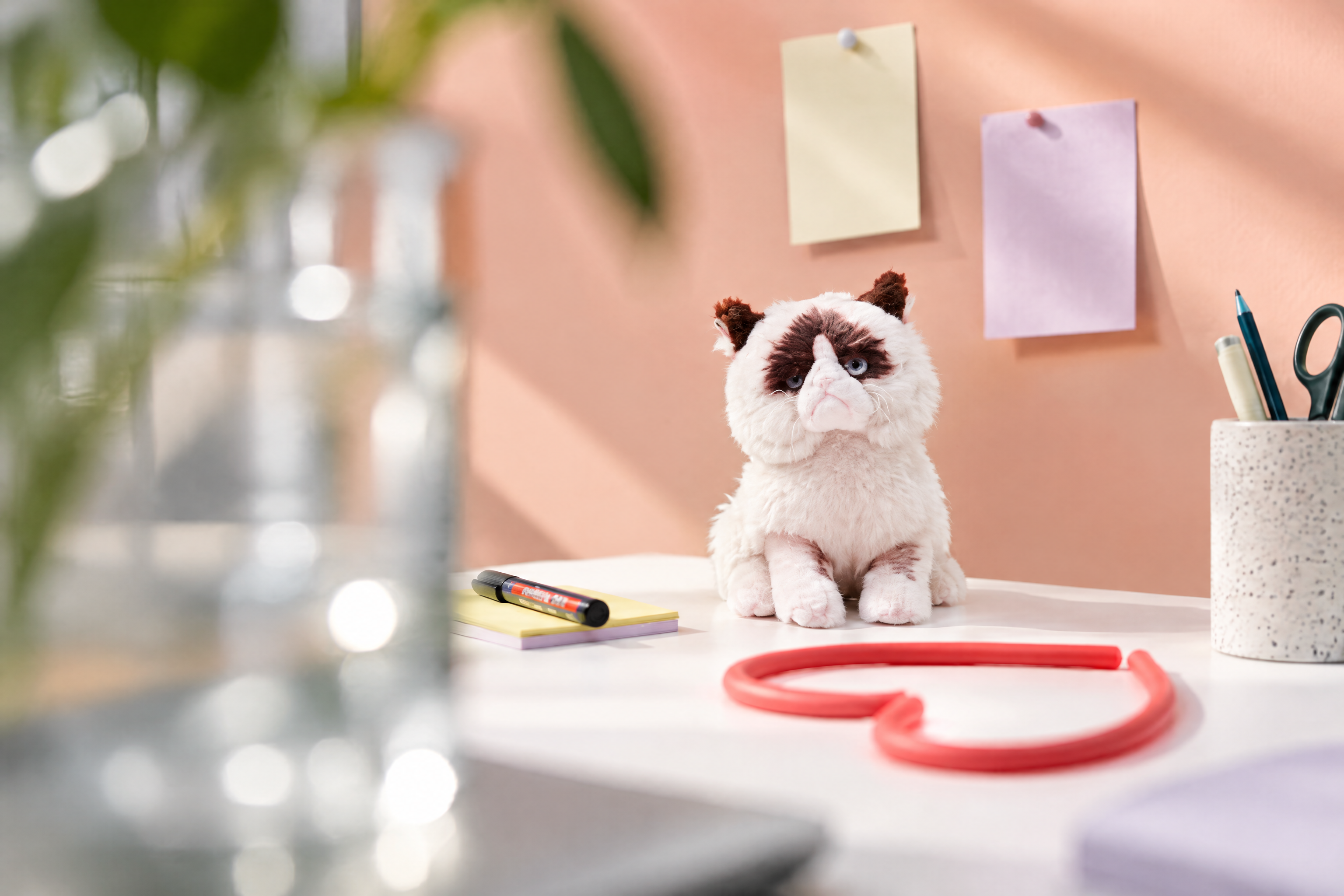
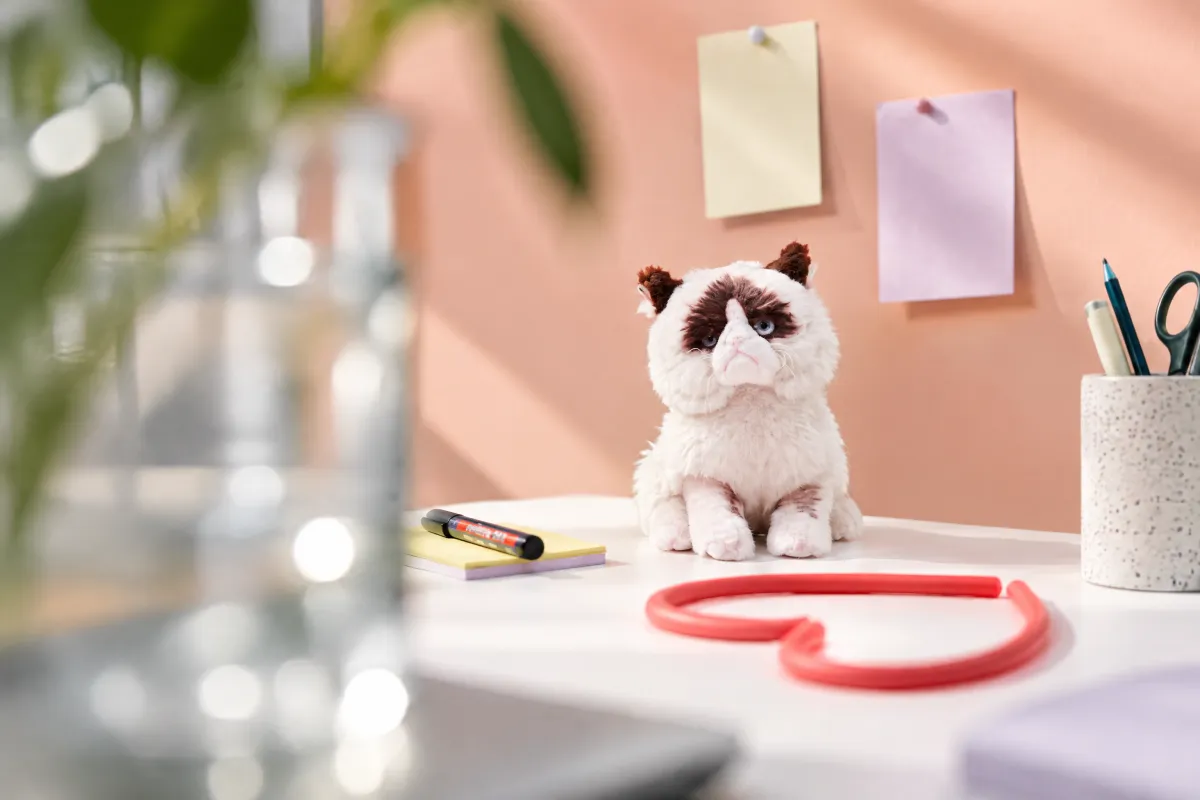 still life toy
 warehouse symmetry
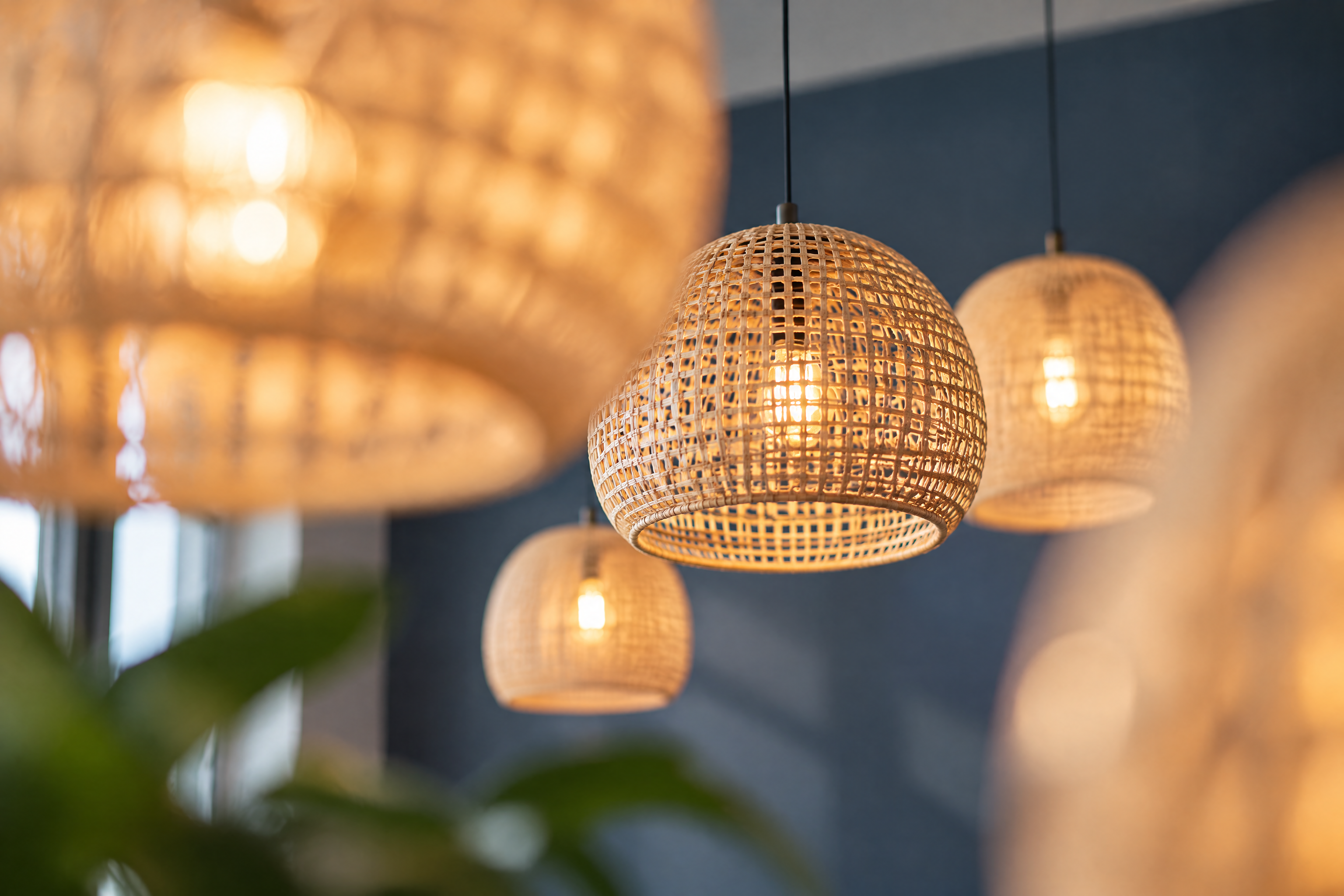
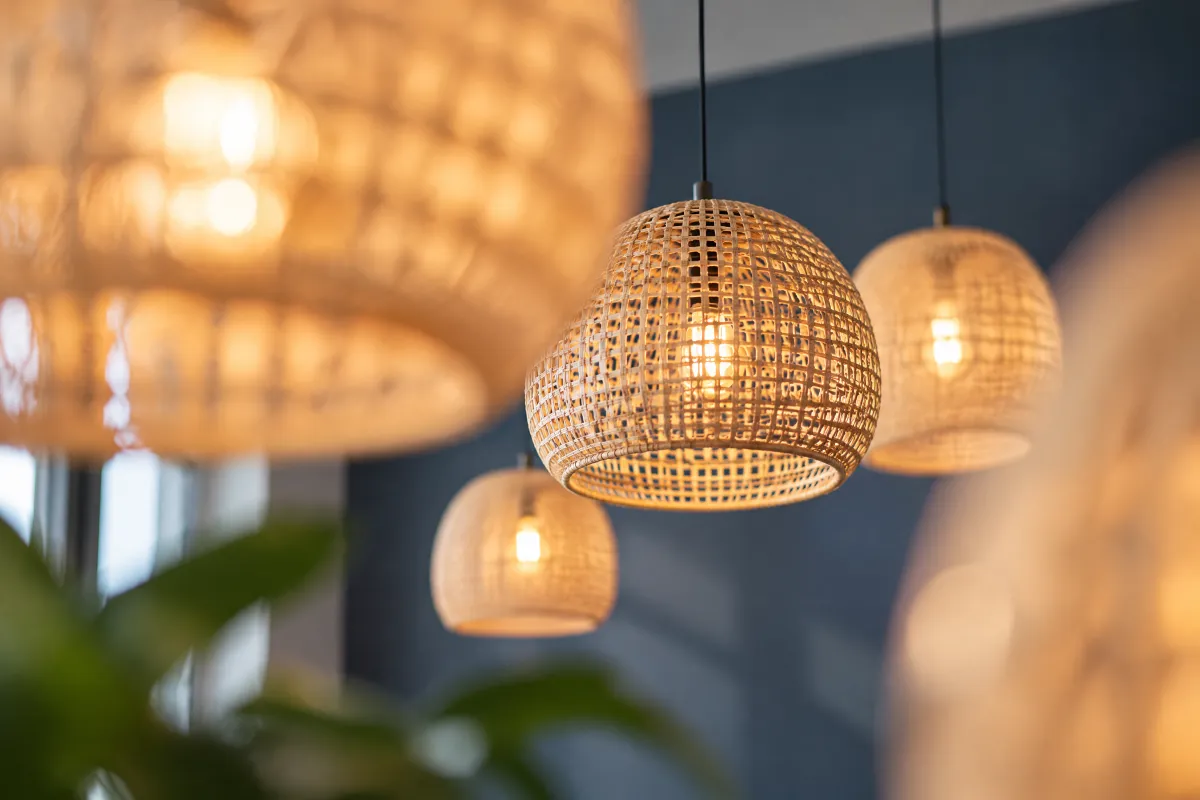 woven lamps


OTTO lifestyle photo
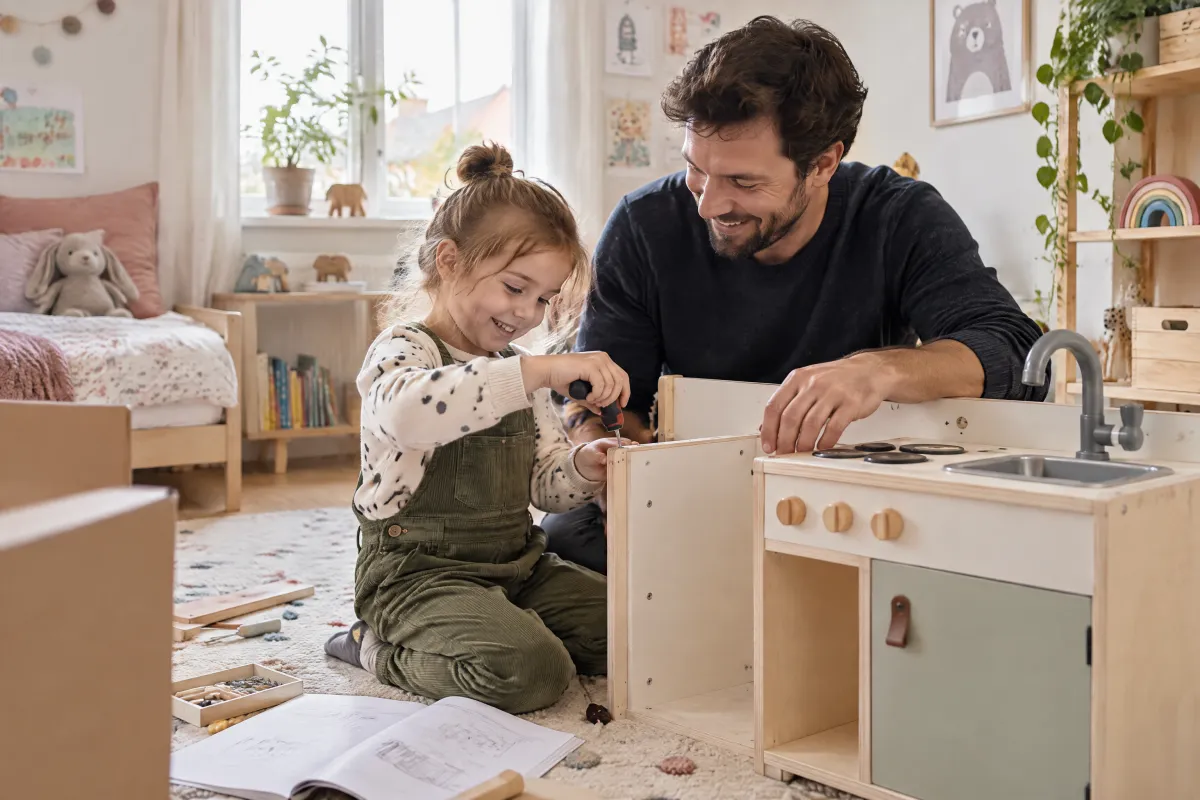 lifestyle kids room
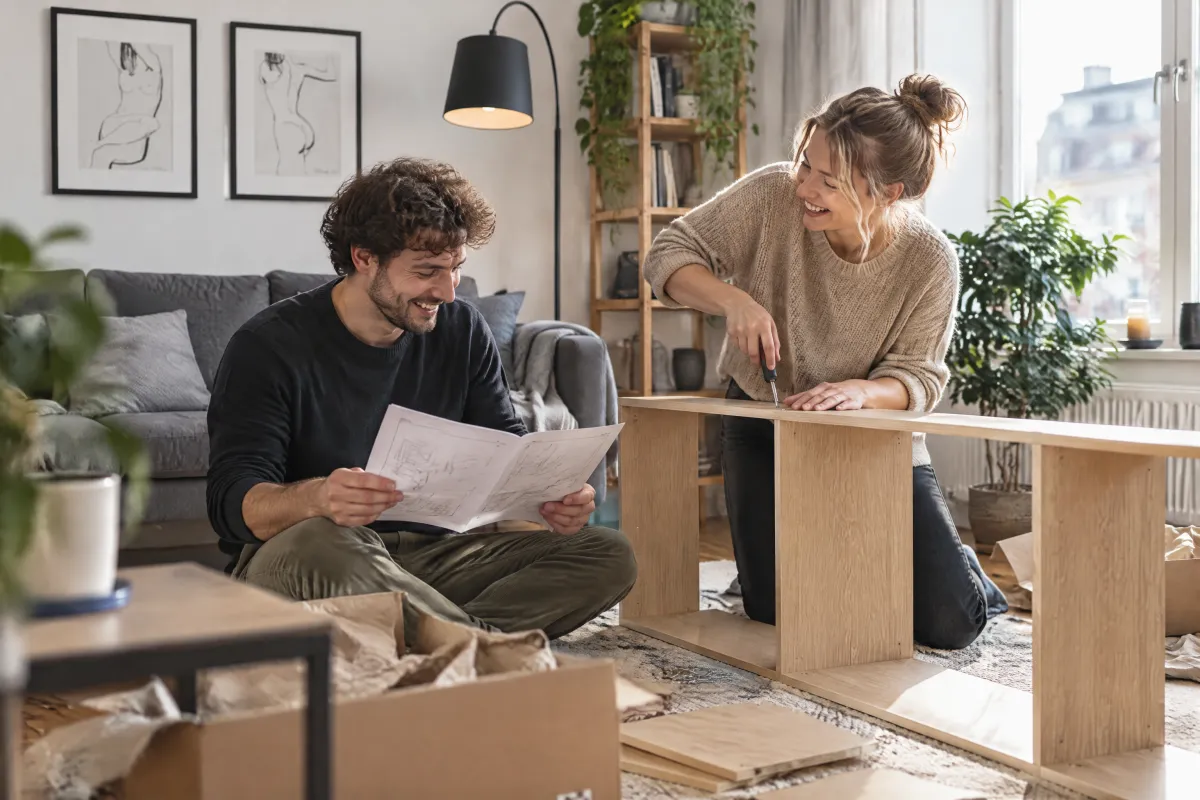 lifestyle living room
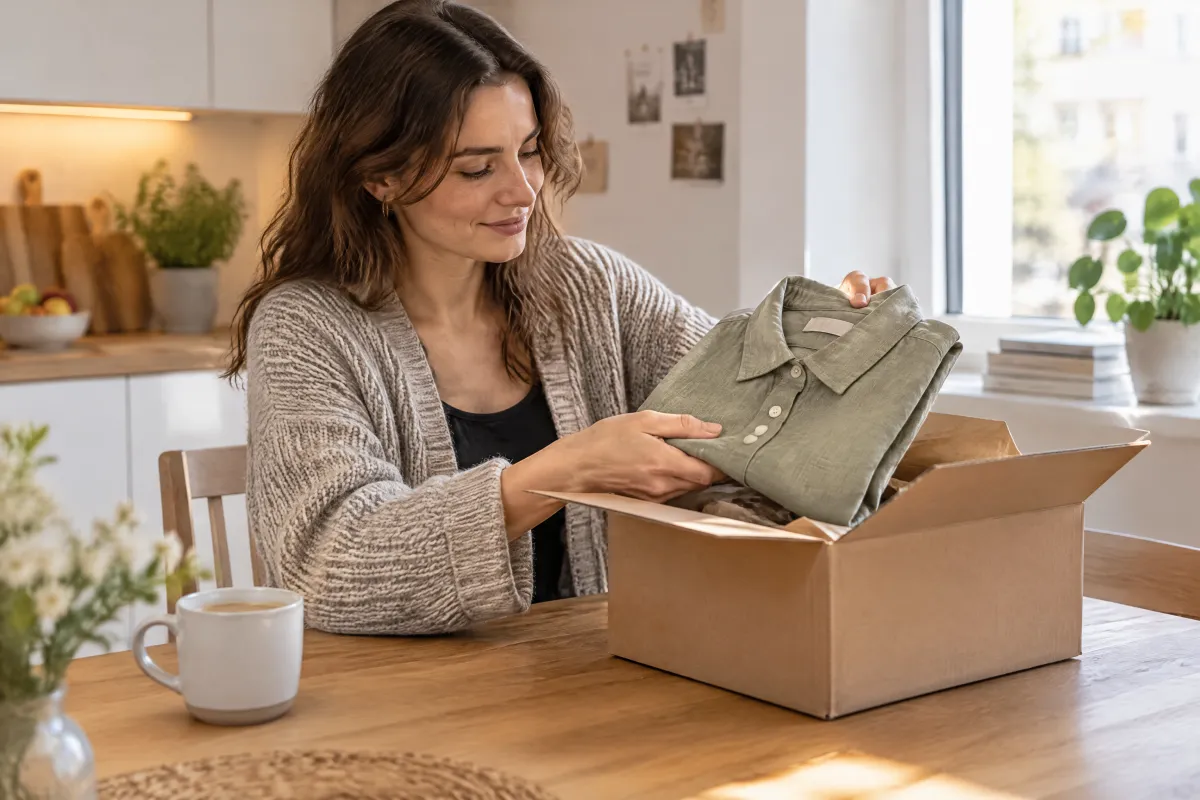 lifestyle parcel doorstep
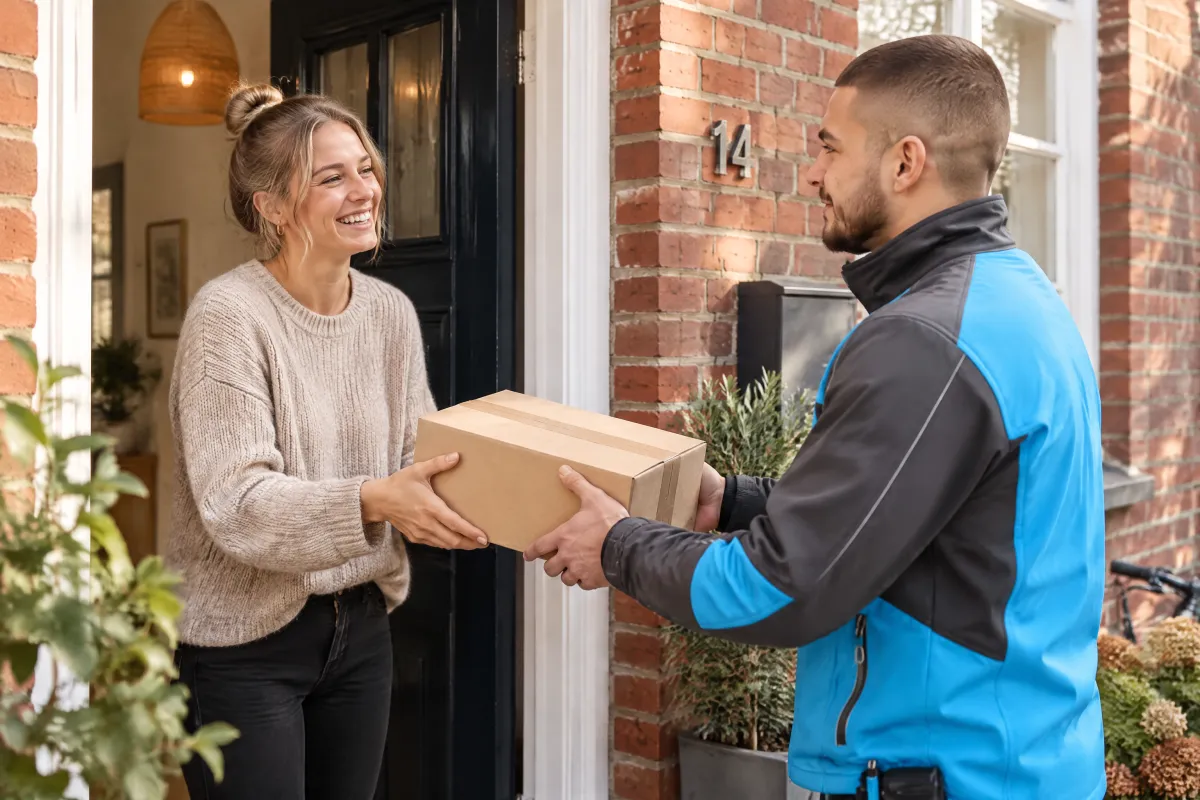 otto lifestyle doorstep
OTTO product still
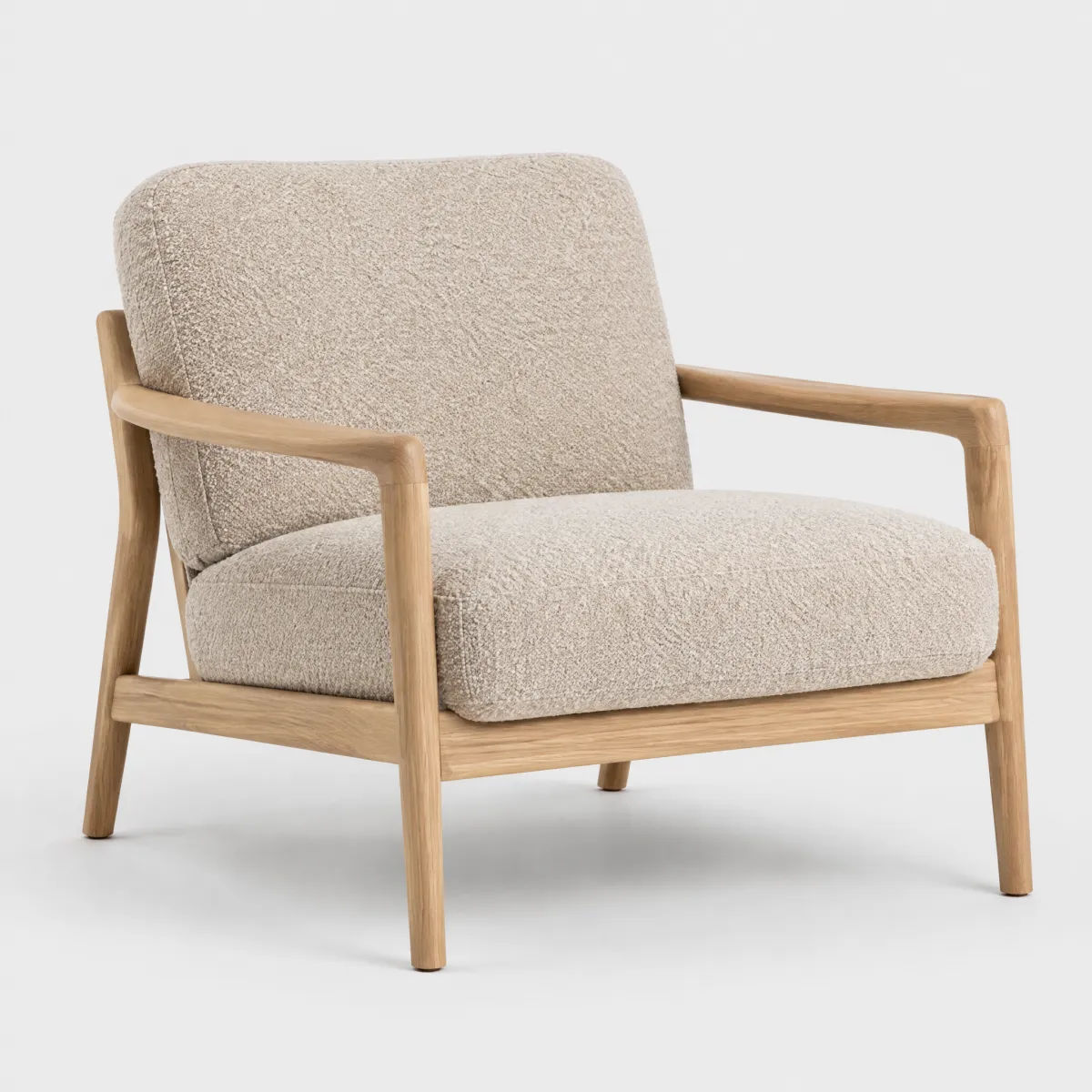 product armchair
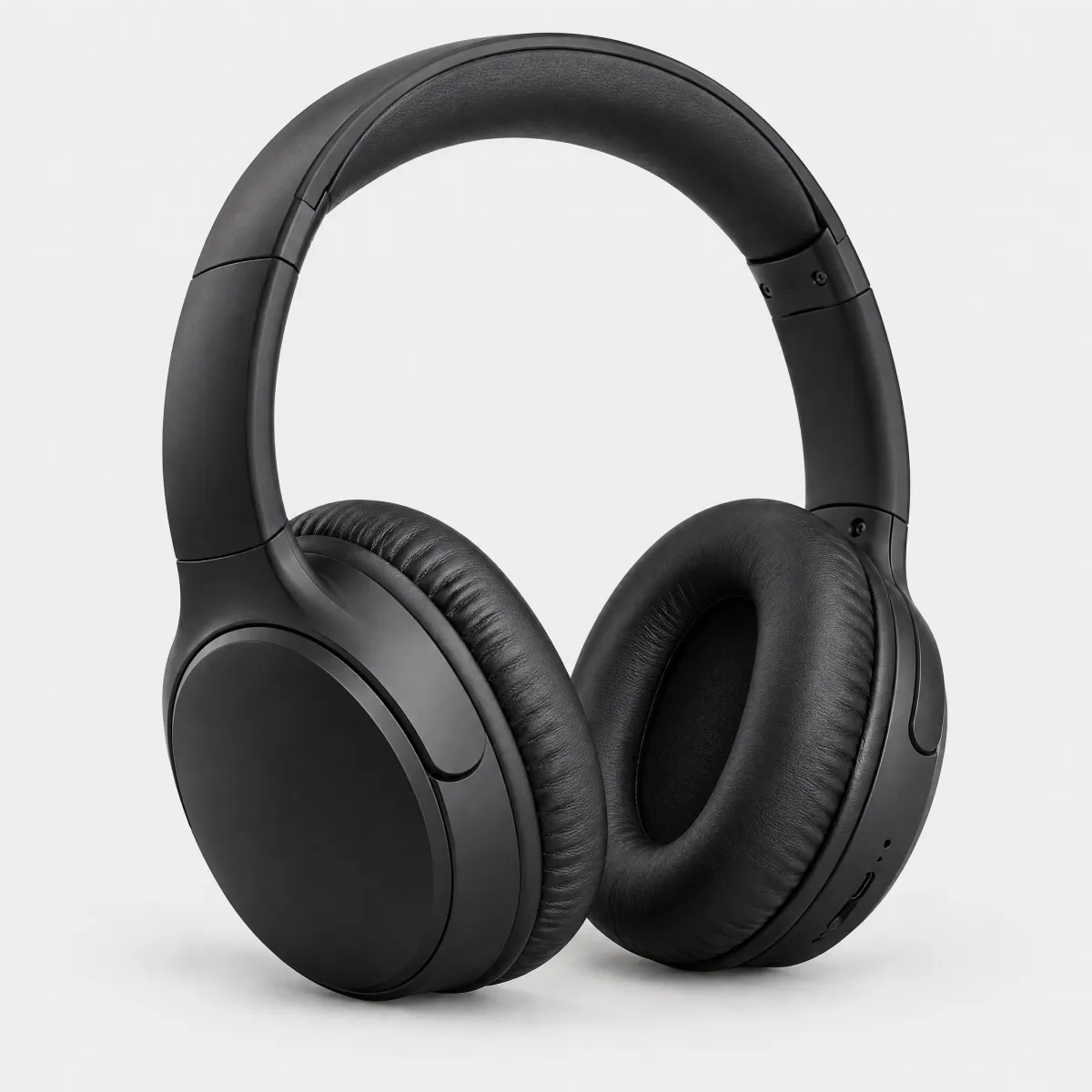 product headphones
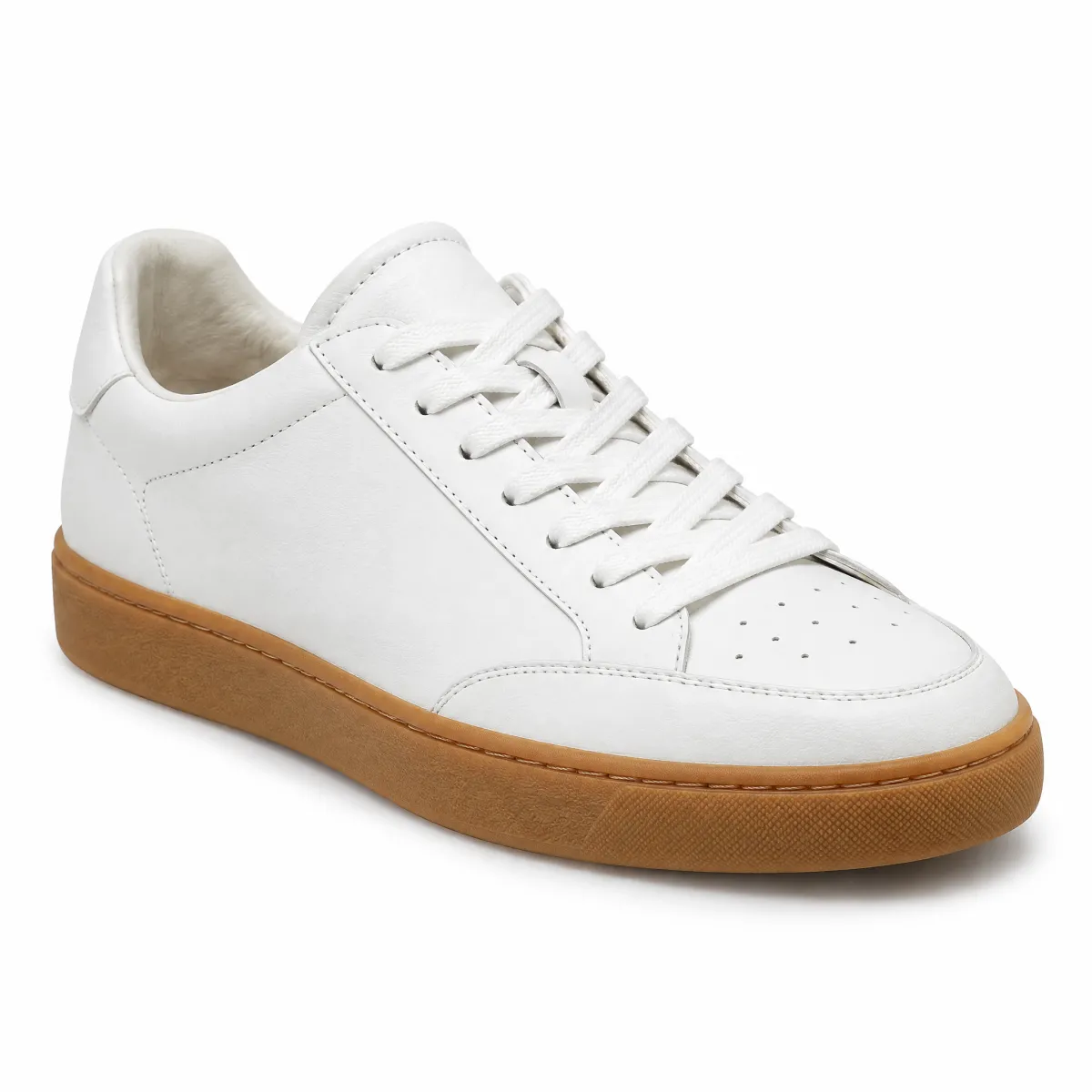 product sneaker
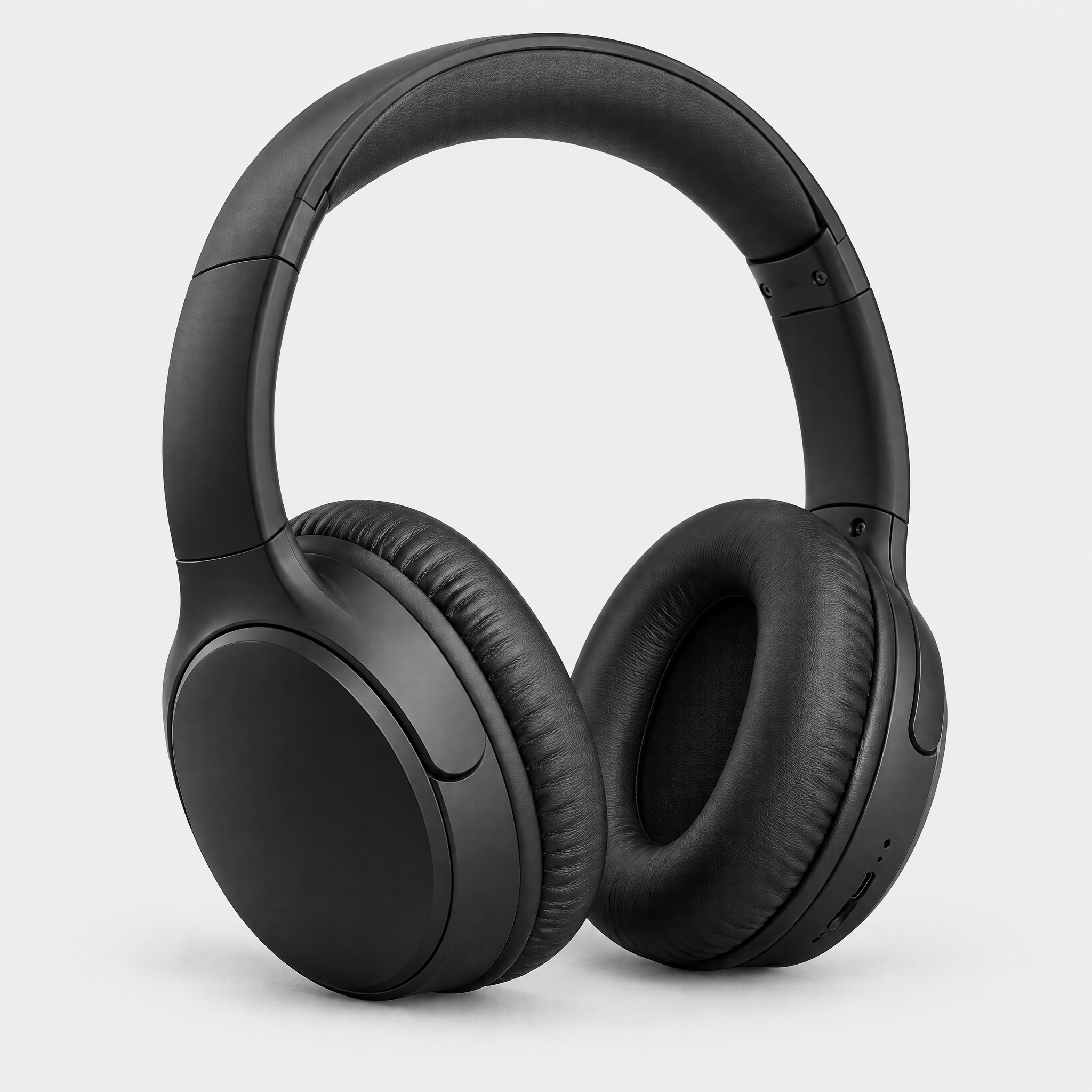
OTTO colour field
 colour field parcel
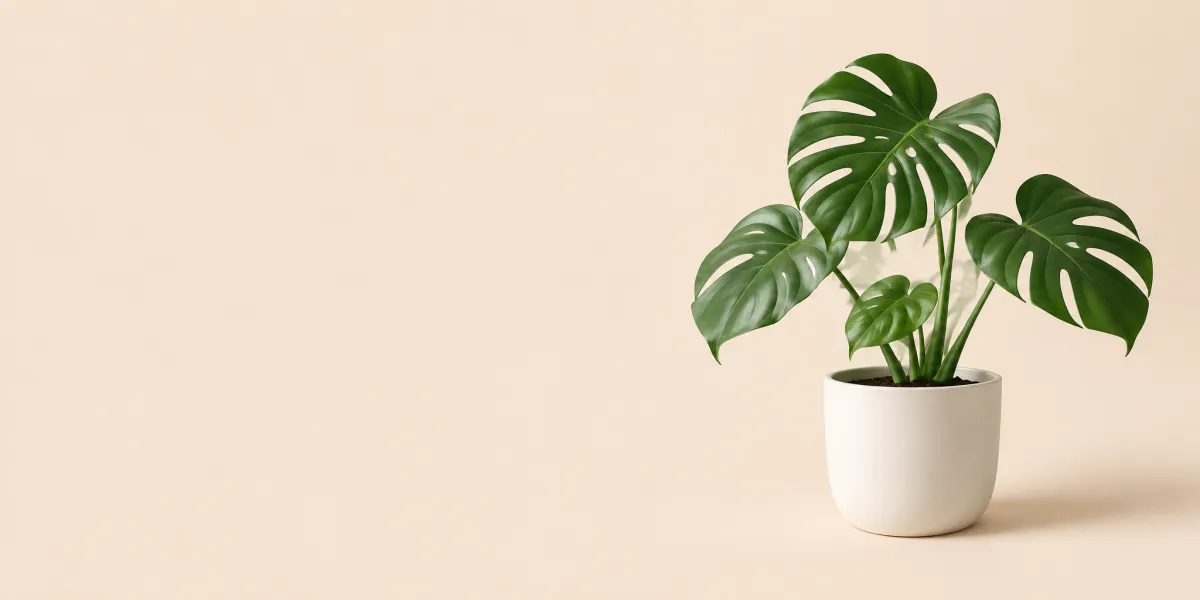 colour field plant
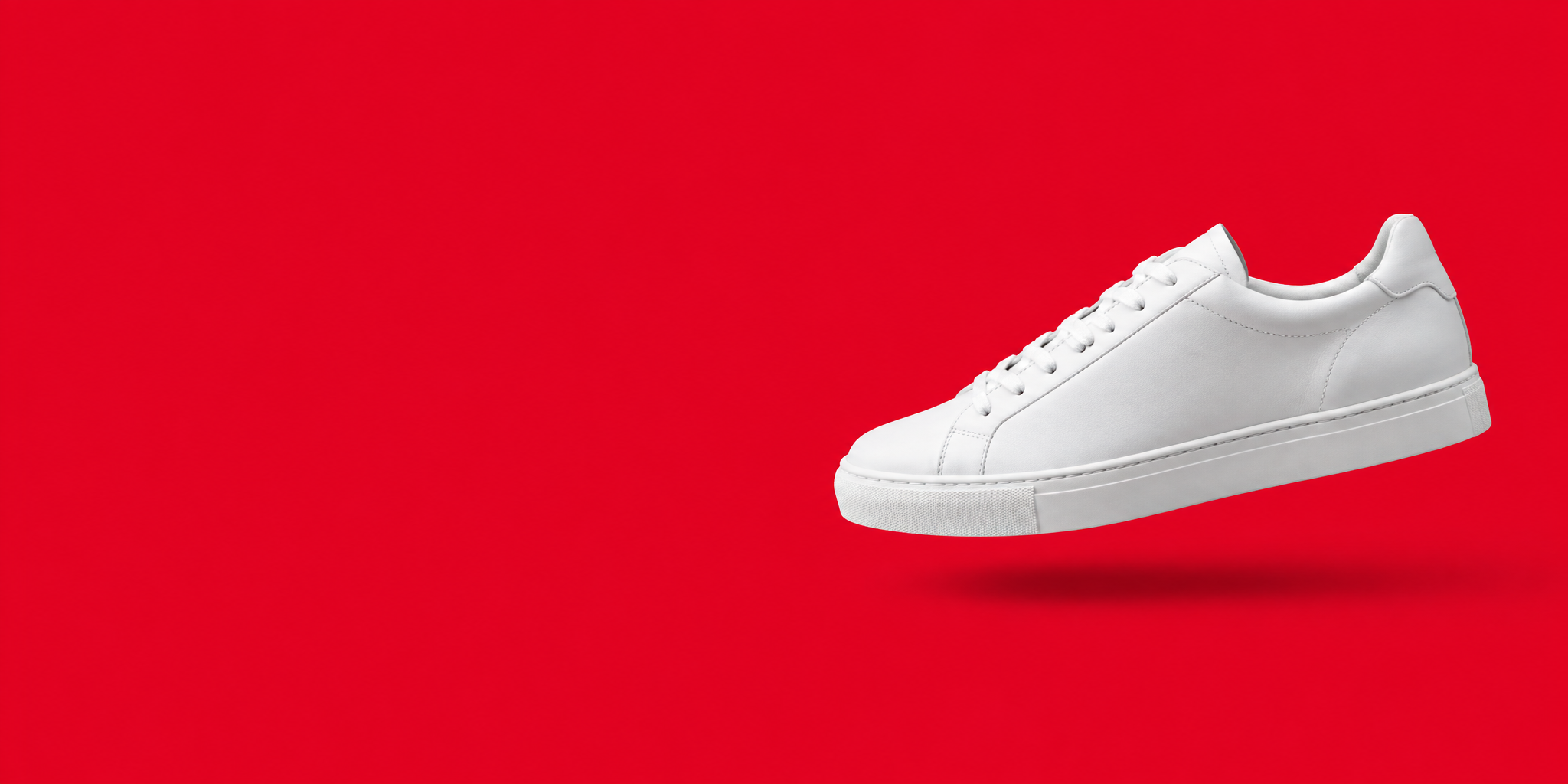
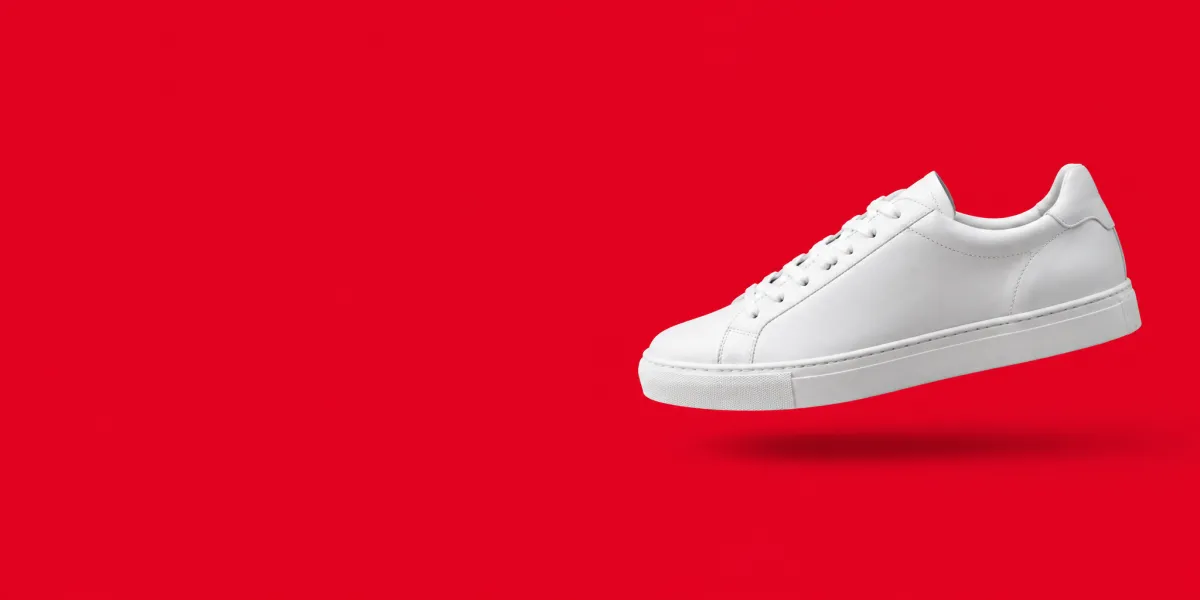 colour field sneaker

Otto Group corporate photo
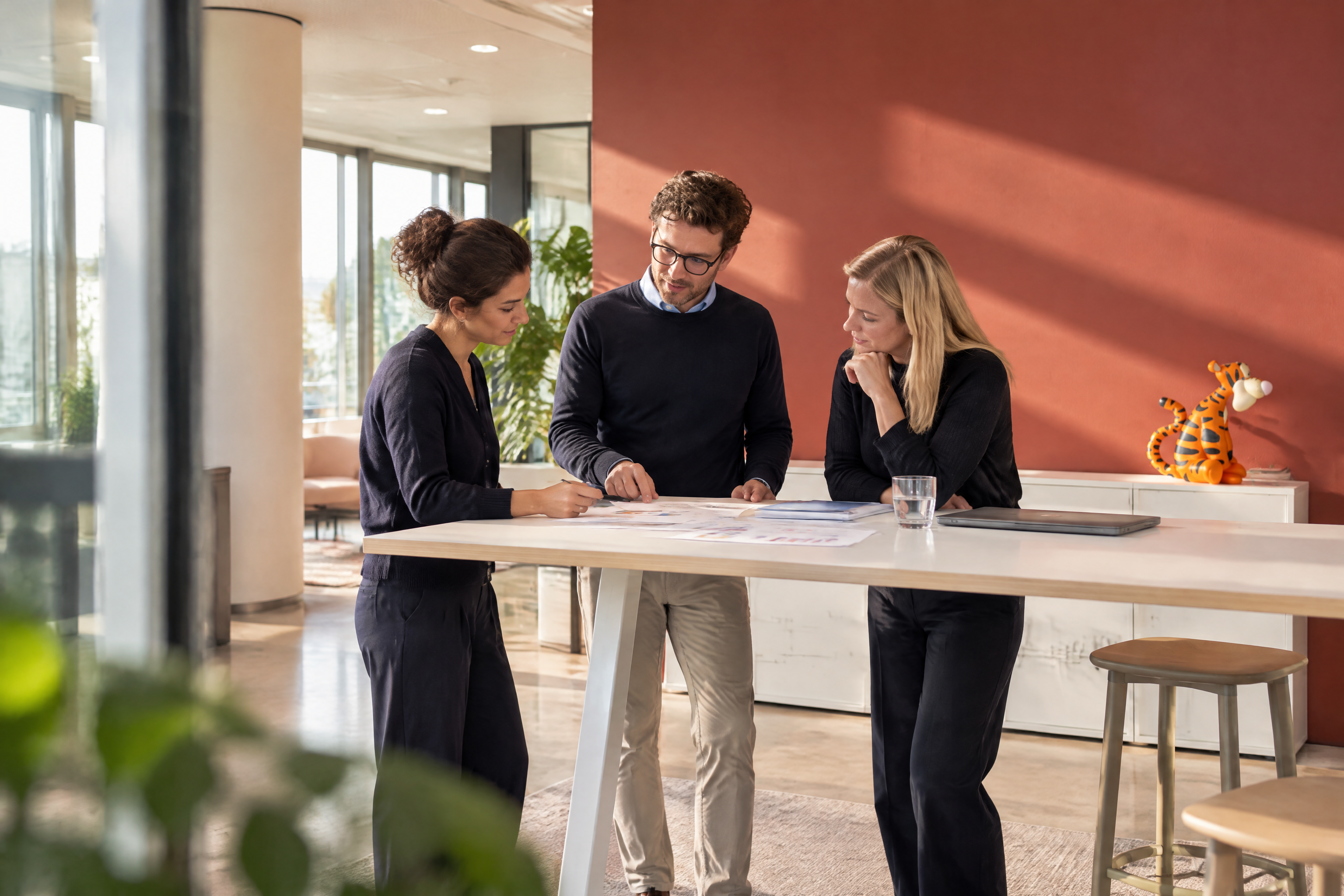
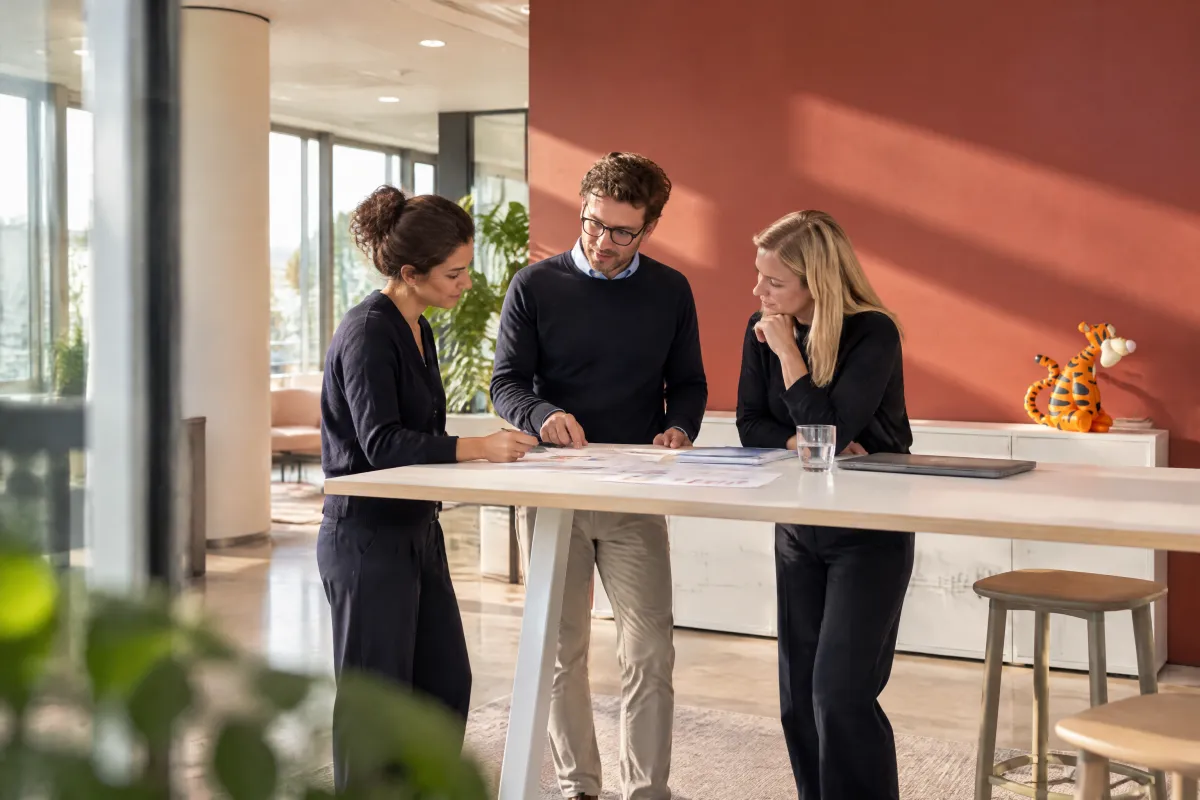 corporate campus meeting
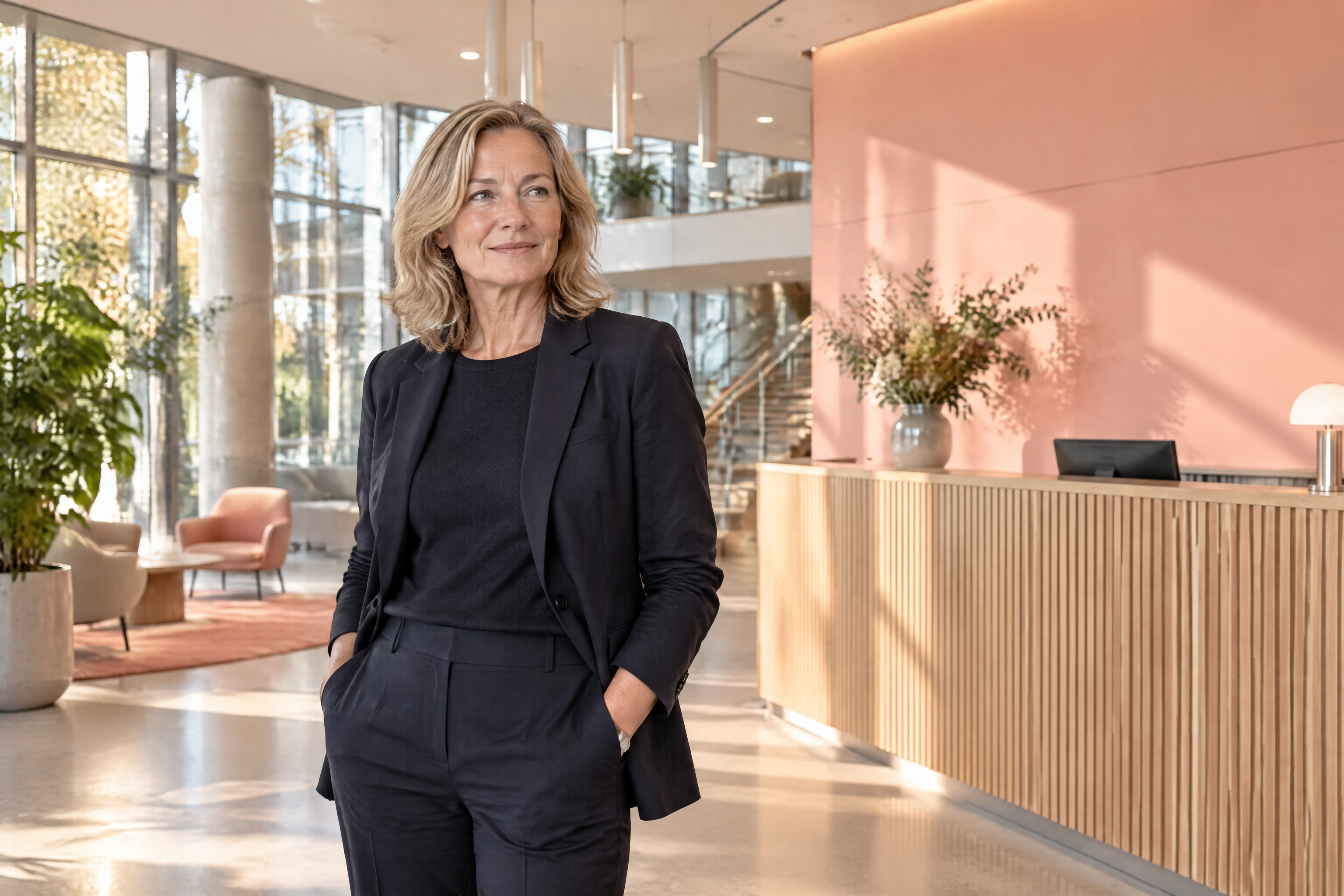
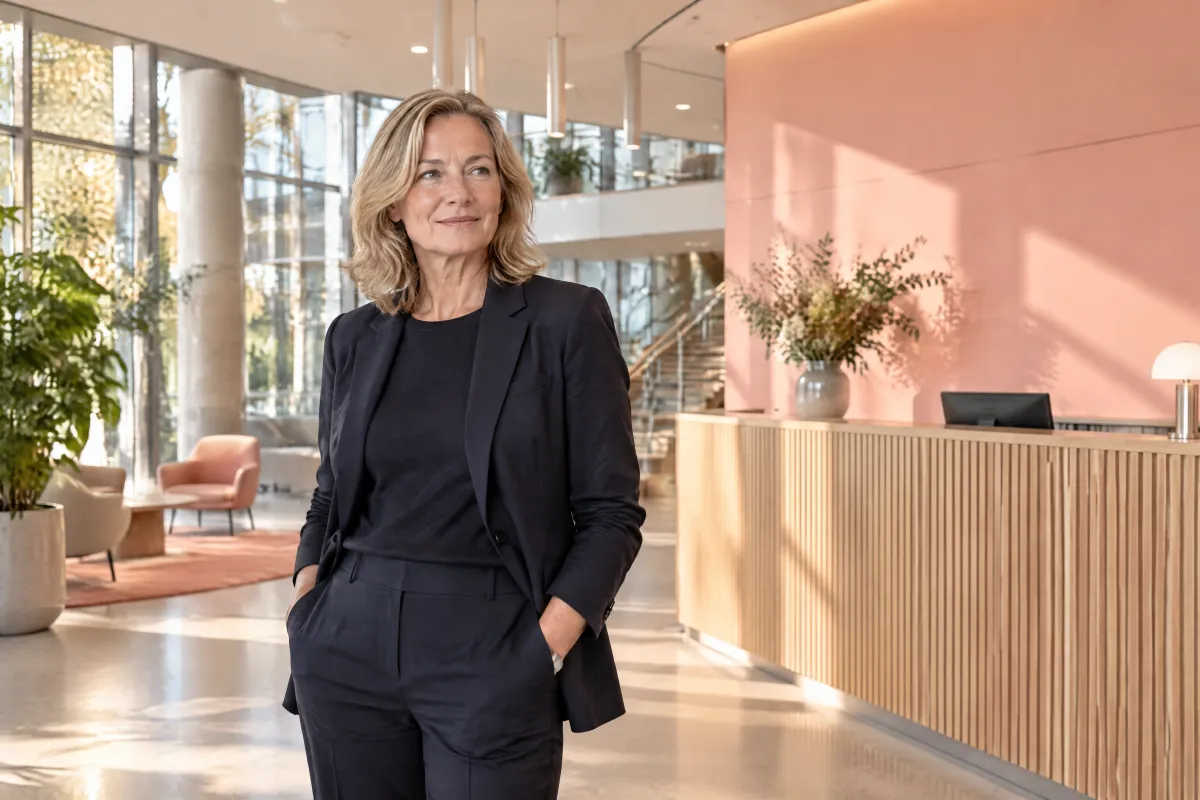 corporate executive portrait
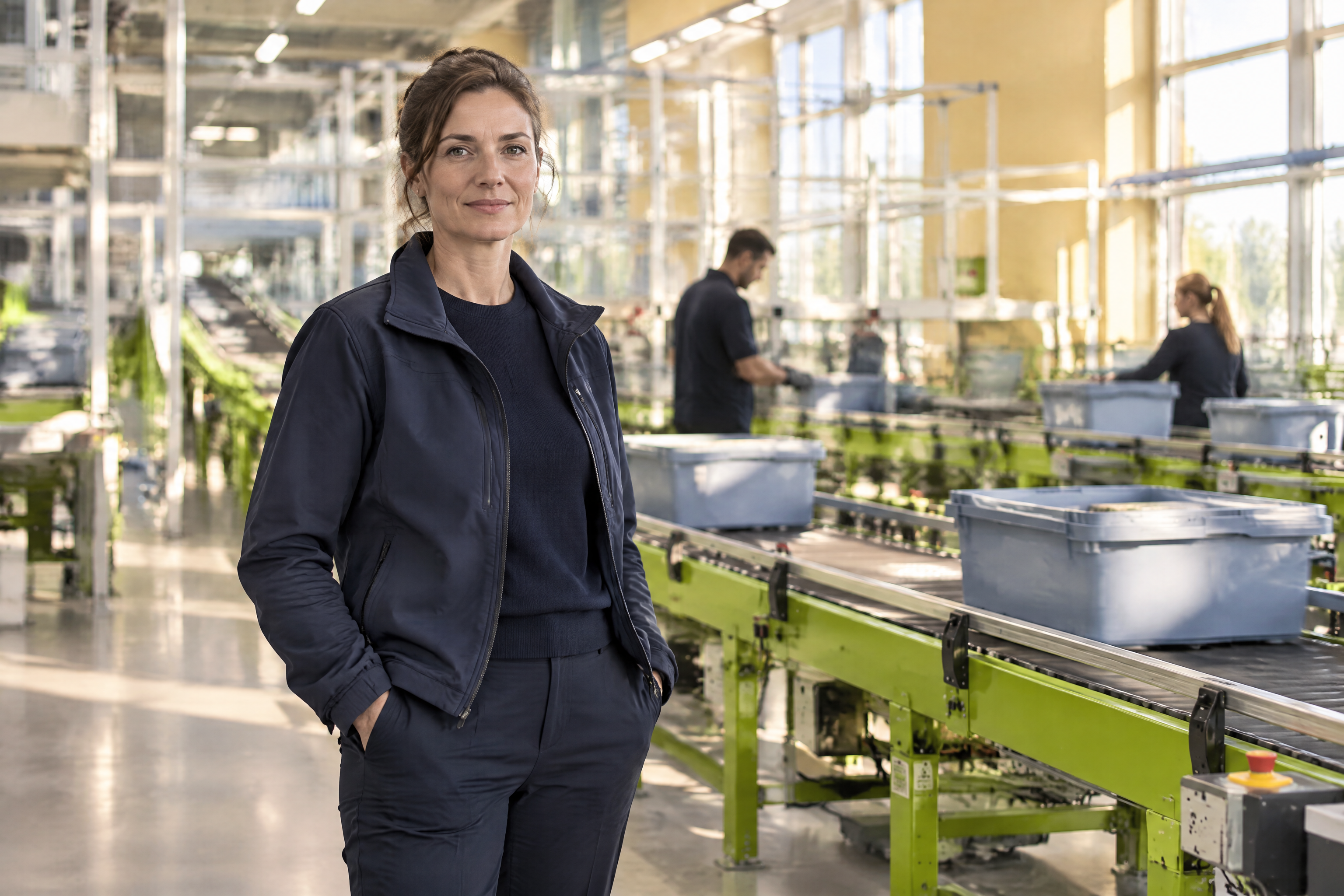
 corporate logistics hall
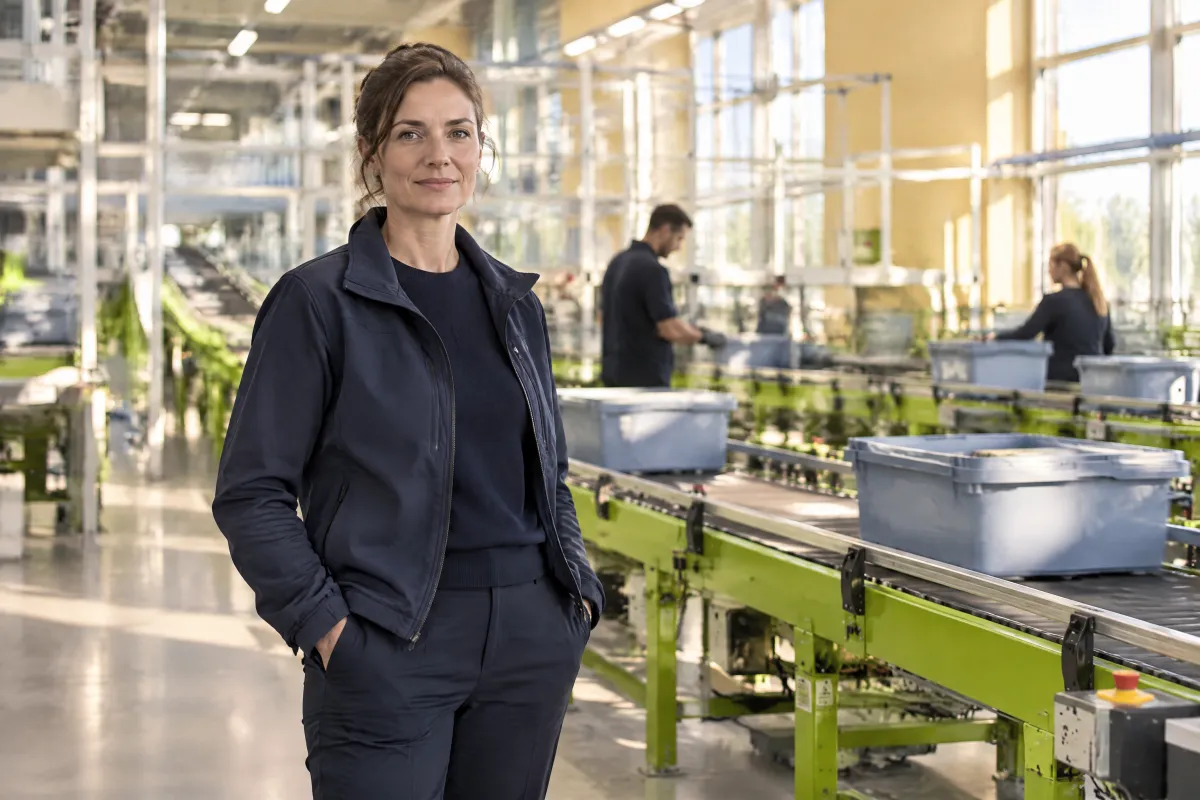 otto group logistics lead

OTTO 3D illustration
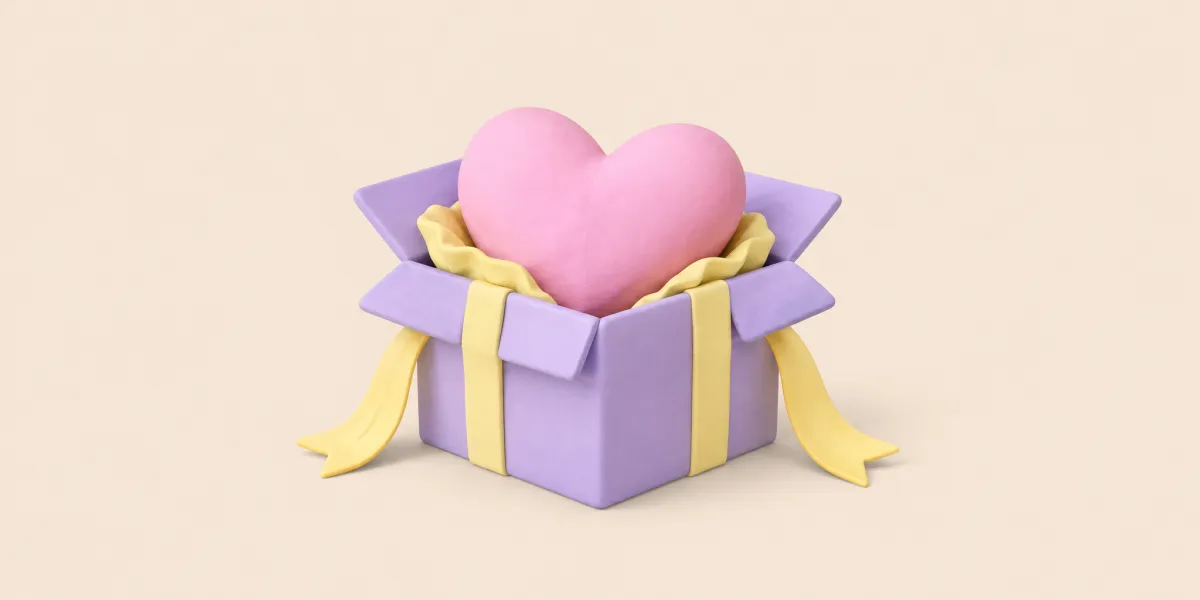 illustration wishlist
 components
 foundations
 getting started
 imagery
 references
 rules
rules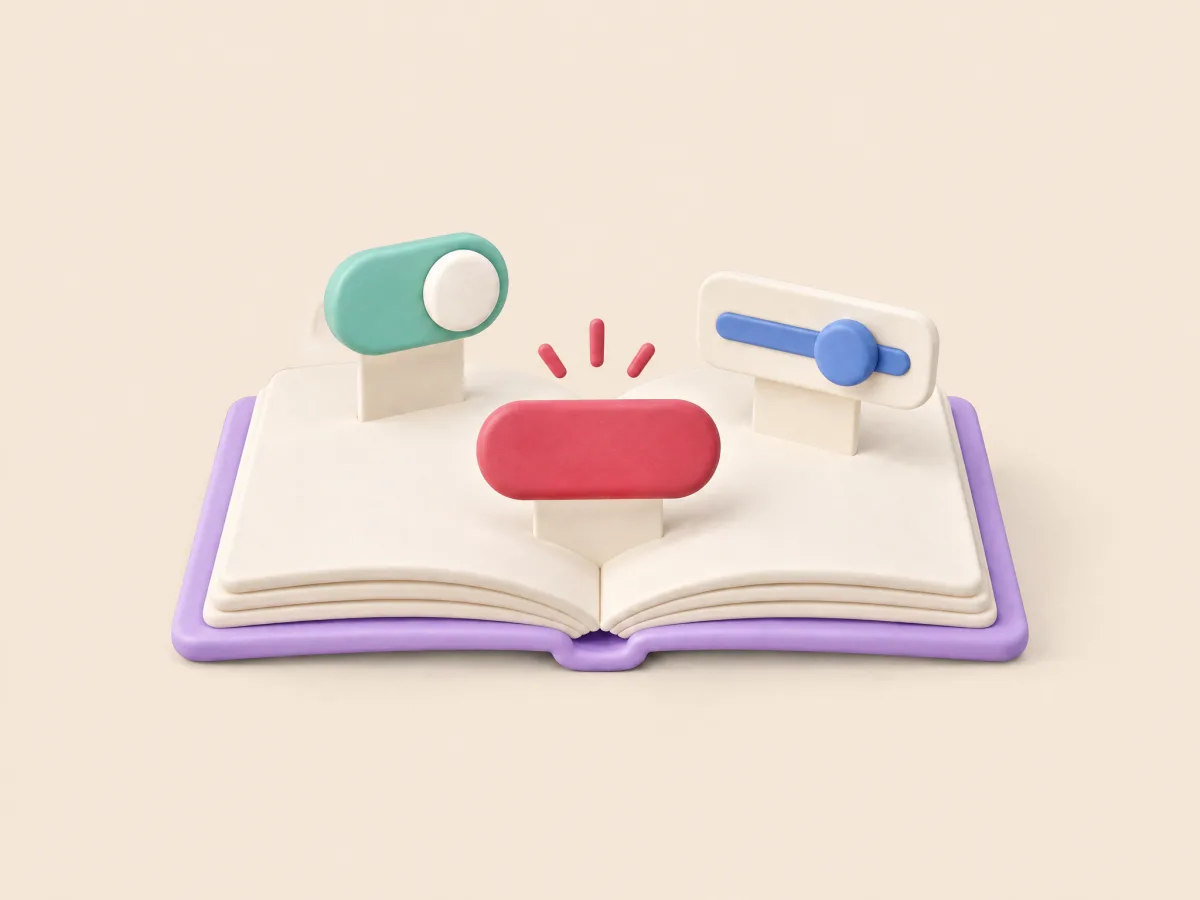 storybook
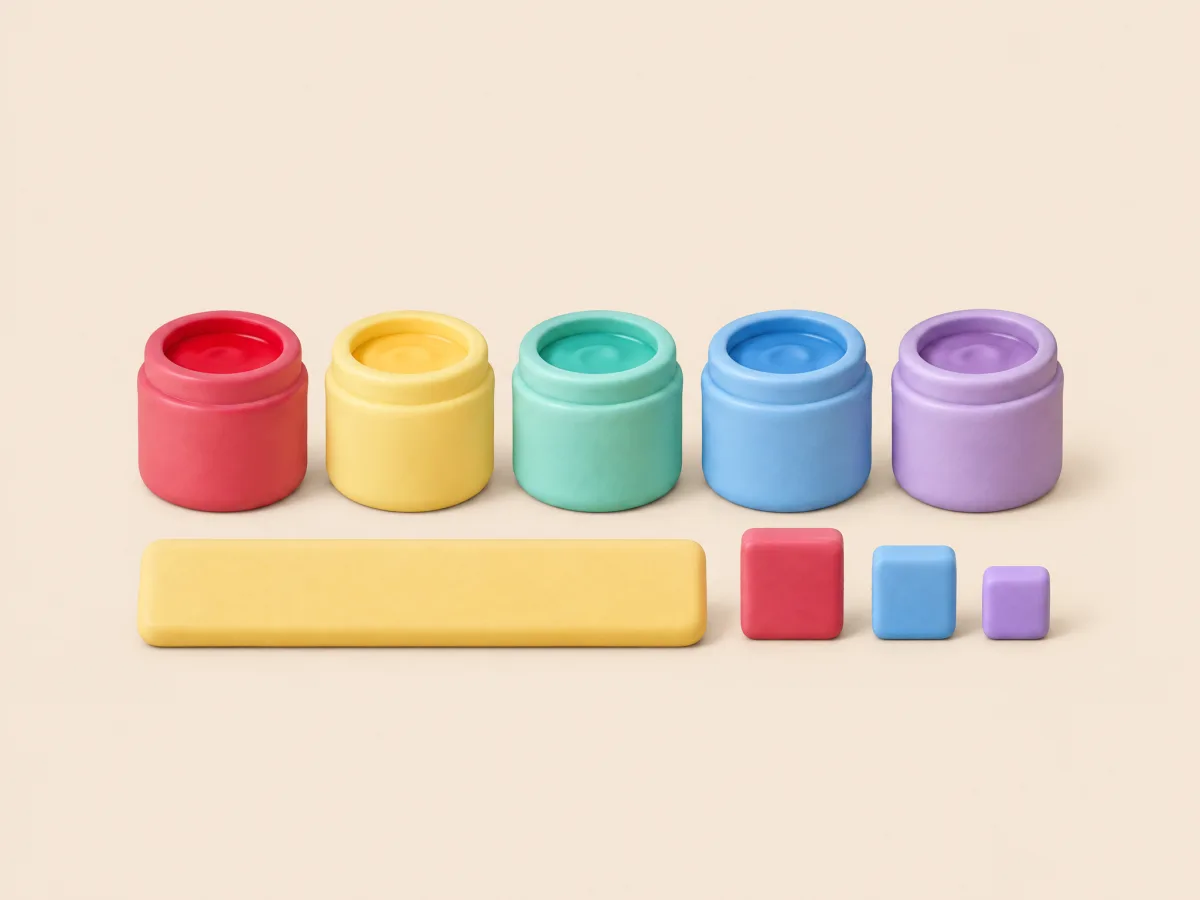 tokens


