

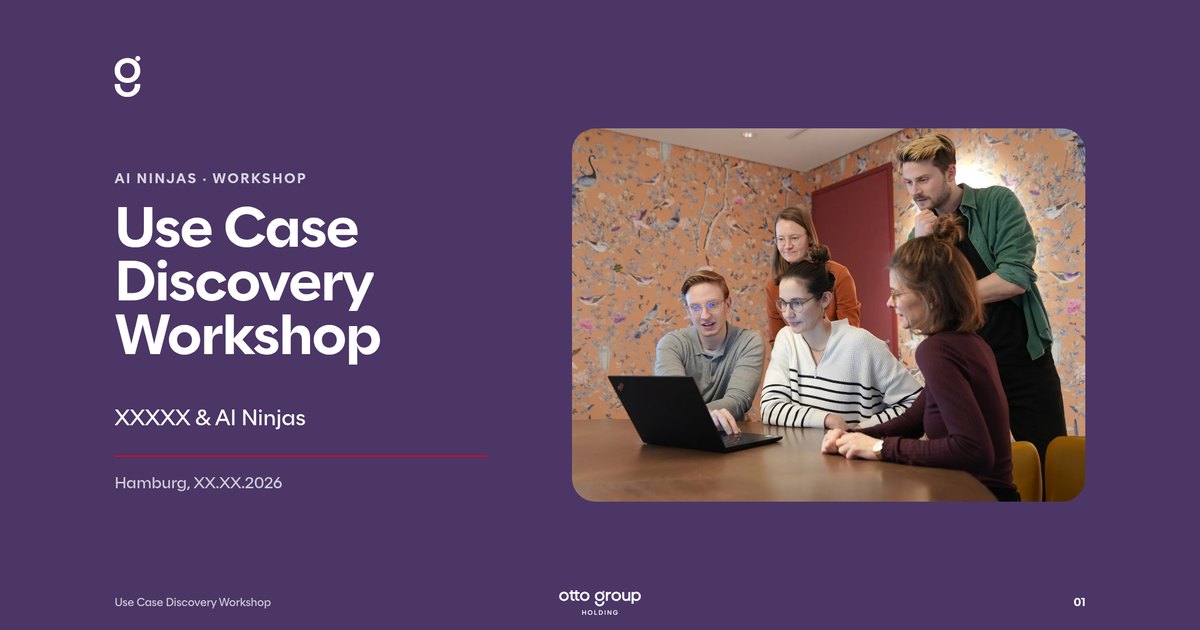
The workshop the AI Ninjas run with a department: collecting use cases, clustering and prioritising them, taking the most important ones down as a process, and agreeing what happens until day two. The presentation runs in the same full-screen app as The AI Ninjas programme, in the Otto Group design with the Holding wordmark in the footer, and is available as a PDF. Workshop name, dates, and the facilitators' names are placeholders to fill in per workshop.
Download the presentation as PDF
Download the presentation as one file
Parts
| Part | Slides | What it covers |
|---|---|---|
| Einstieg | 1–6 | title, agenda with times, who we are, why an ideation format, how AI Ninjas and the department work together, the focus |
| 01 Use Cases sammeln | 7–8 | six guiding questions with a ten-minute timer, seven categories as a search aid |
| 02 Clustern und Priorisieren | 9–10 | clustering in three steps, first prioritisation with five points per person |
| 03 Vom Problem zum Prozess | 11–12 | the simple process view and its classification, what exists for every use case afterwards |
| 04 Wie geht’s weiter? | 13–14 | three stations until day two, end of day one |
| 05 Tag 2 | 15–16 | final prioritisation by five criteria, what the AI Ninjas do next |
| 06 Abschluss, 07 Dokumentation | 17–19 | feedback form with QR code, thanks, divider for the photo documentation |
What the app can do
Opening with the drawn Superzeichen, full screen (F), dock with slide previews at the bottom edge, overview (O), presenter view with notes, next slide and timer (P), laser pointer (L), blackout (B), jump by number and Enter, PDF download (D), and an aubergine curtain when a new part starts. On a phone or a small tablet the app opens as a reading view: every slide fully built in one scrolling column.
Interactive slides
- Agenda: every row with a time jumps to its part.
- Wer wir sind: → brings in the warm-up question.
- Zusammenarbeit: → reveals the five phases one by one, in two lanes for AI Ninjas and department.
- Der Fokus: → adds the turning sentence, where the workshop starts, and the goal on the picture.
- Leitfragen: a click on the timer starts ten minutes of brainstorming; another click pauses it, a click at 00:00 resets it.
- Clustern: → shows the three steps, then the rule.
- Vom Problem zum Prozess 1: → classifies the three kinds of activity.
- Einmal tiefer legen and Jetzt sind wir dran: → lights the three stations one after another; the links to ogGPT and Confluence open in a new tab.
- Finale Priorisierung: → shows how the group decides, then the clarification.
The PDF shows every slide fully built.
One file to send and to keep working on
The download "as one file" is the whole presentation in a single HTML file of about 1.3 MB: styles, scripts, the Optimist typeface and all pictures are inside. Opened by double click it runs in the browser without the internet, with every transition, the steps, the timer, the overview and the presenter view. It can be sent by e-mail or chat like any attachment. To keep working on it, open the file in a text editor: every slide is one <section class="slide"> block, and a note at the top of the file explains the attributes for steps, chapters, jumps and speaker notes.